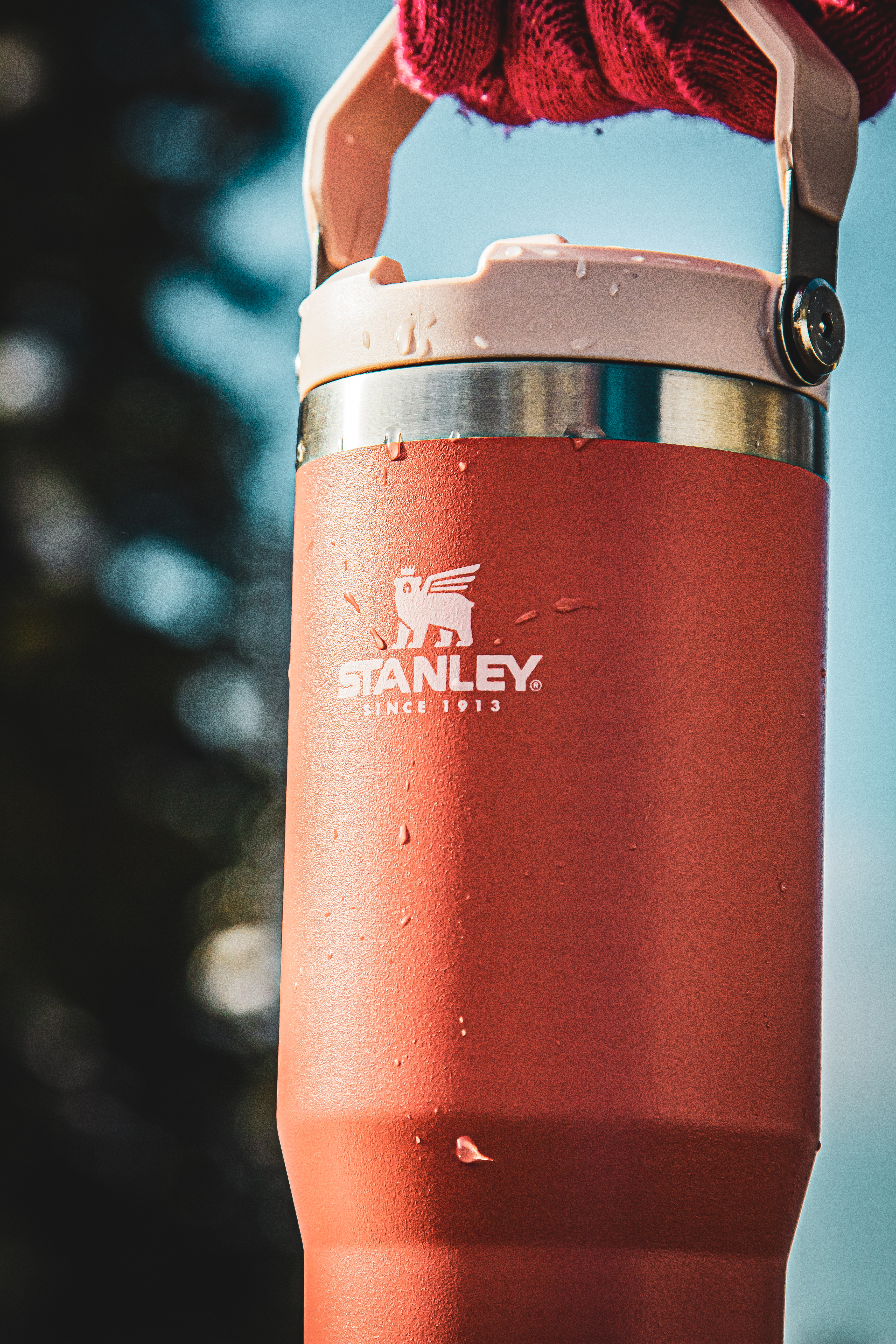
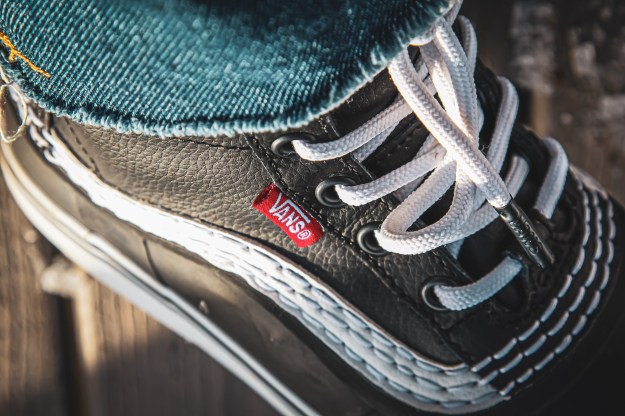
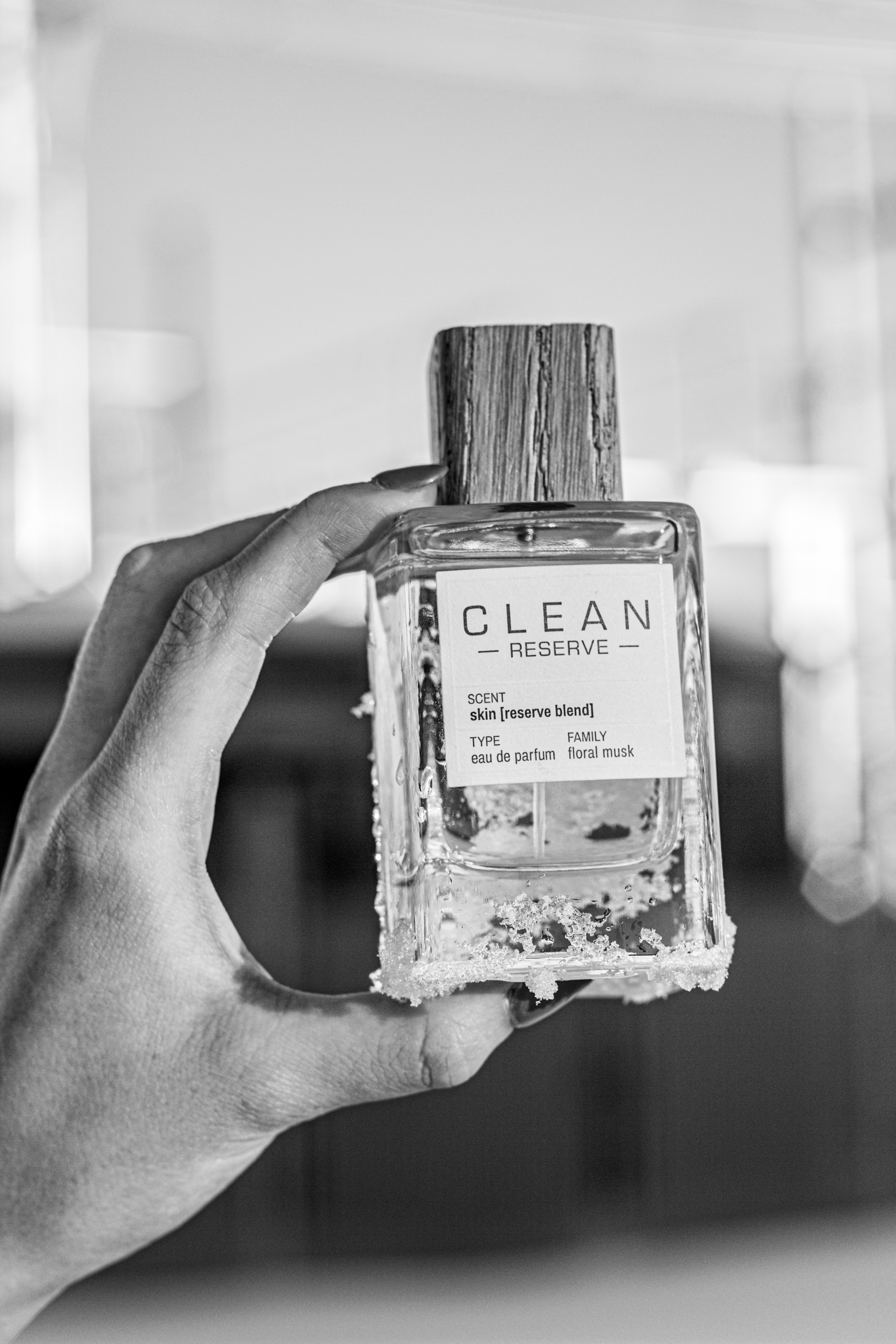
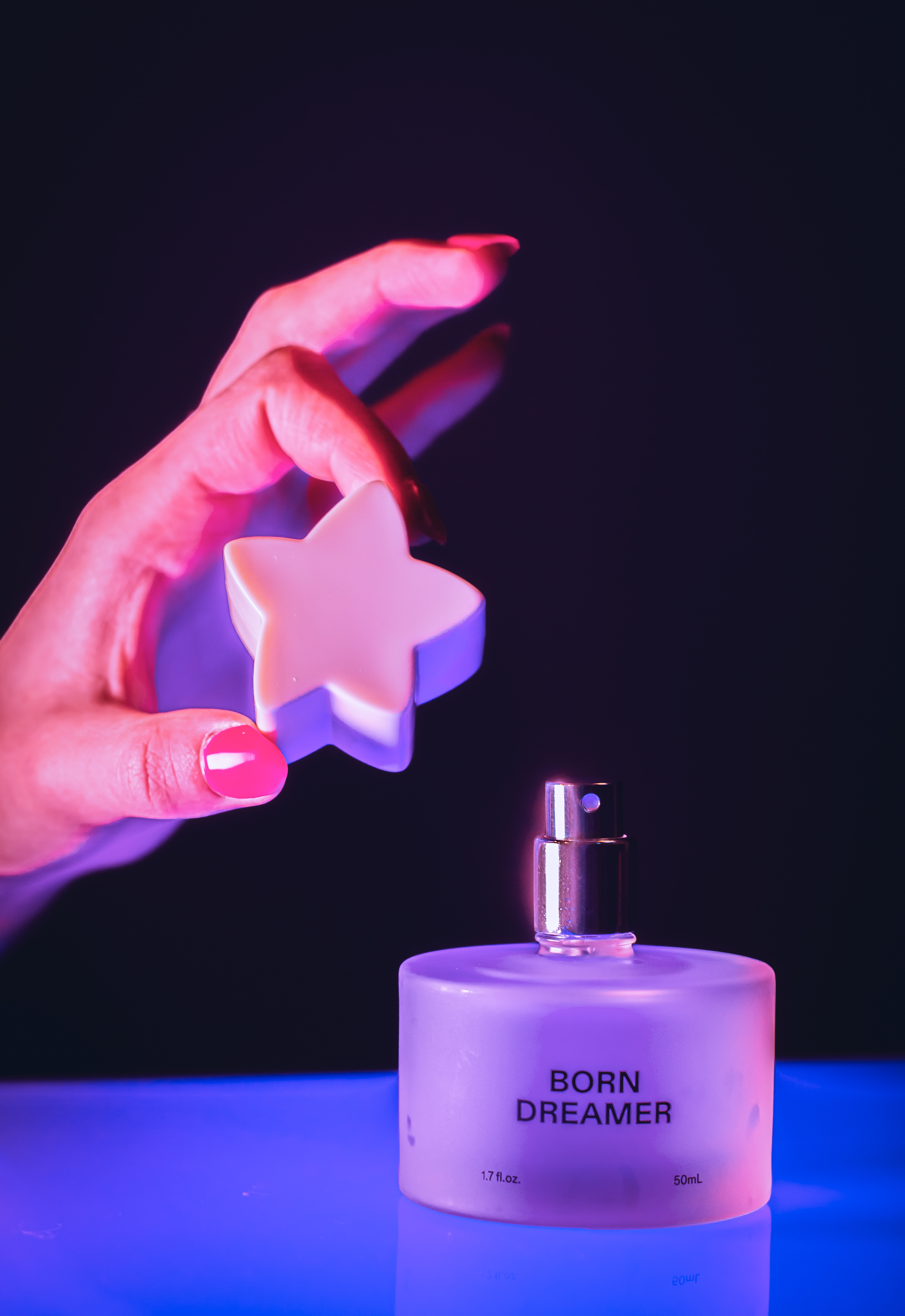
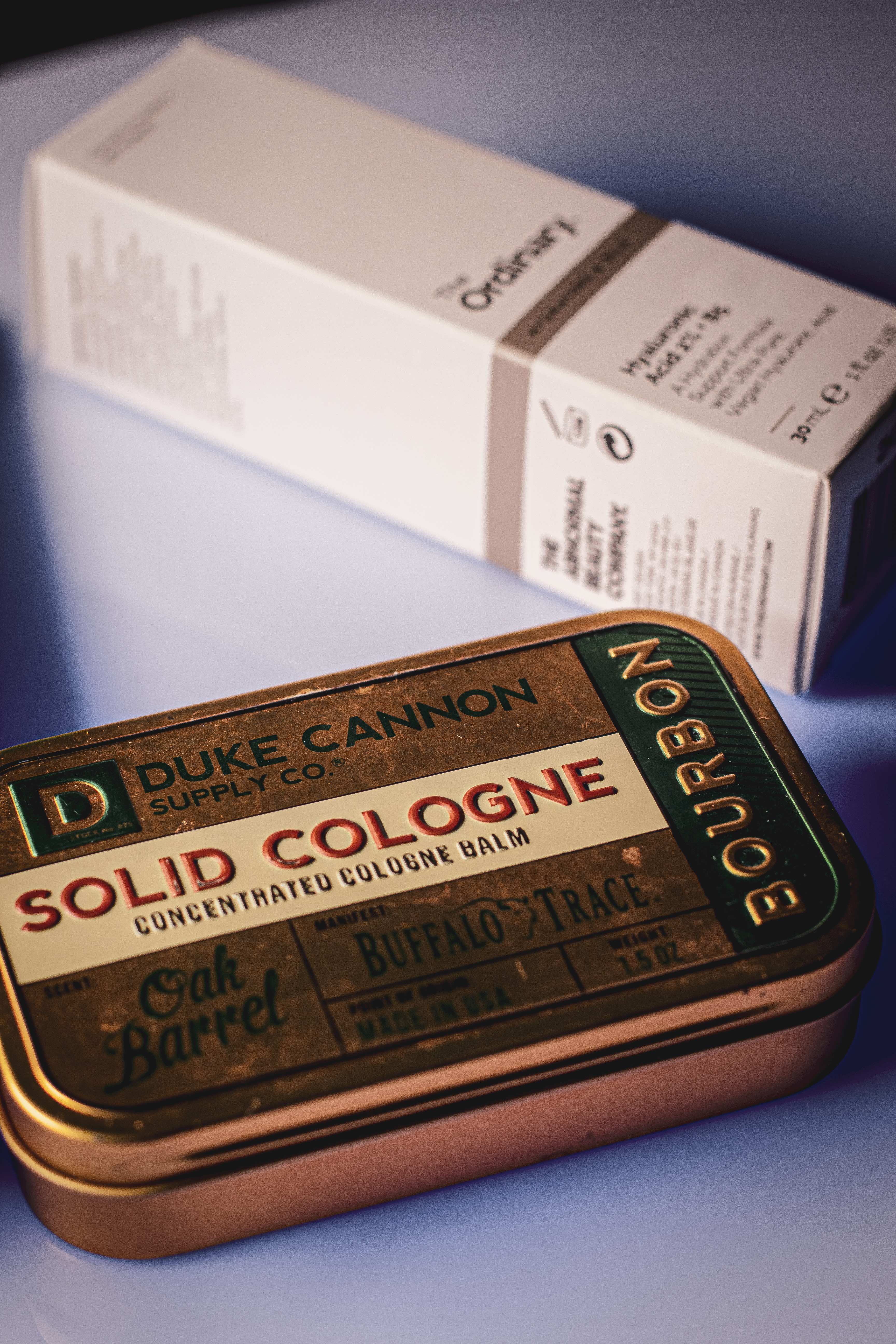
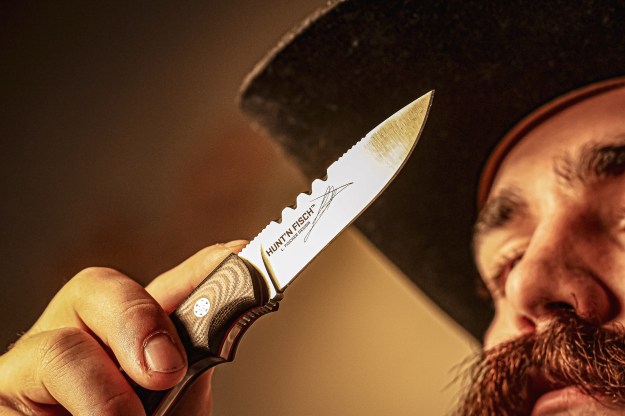
Product photography is a great way to expand your editing skills, be an asset to your company, and add more talents for freelance work.
Outdoor
Indoor


Award-Winning Digital Strategist
Product photography is a great way to expand your editing skills, be an asset to your company, and add more talents for freelance work.
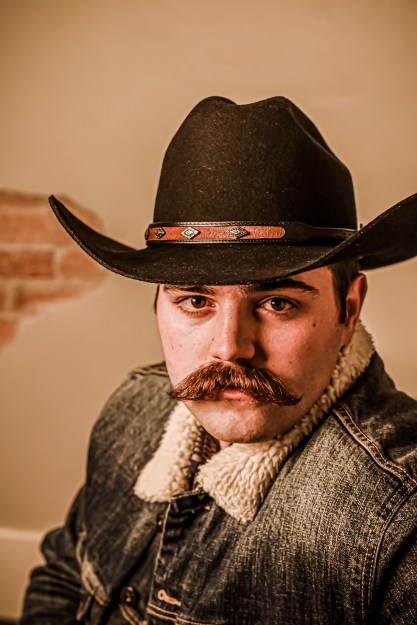
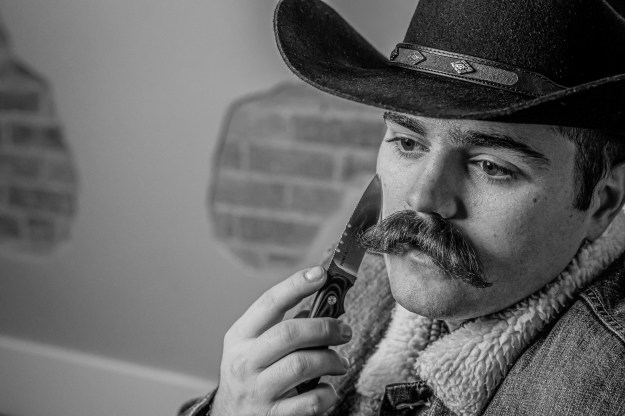
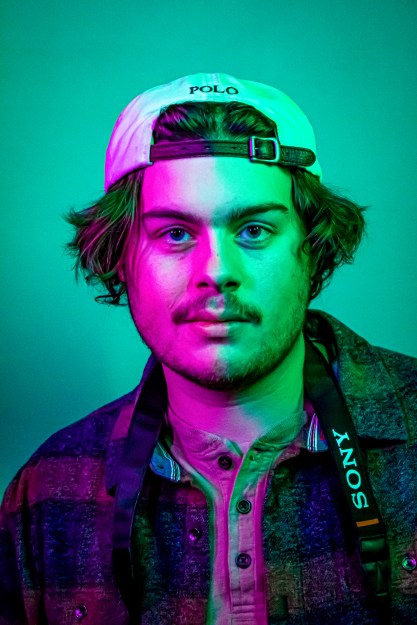
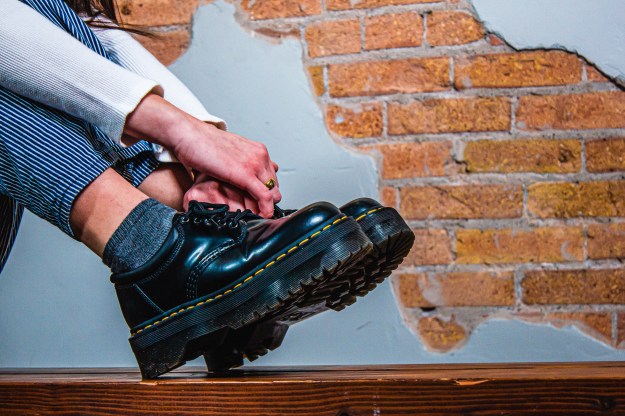
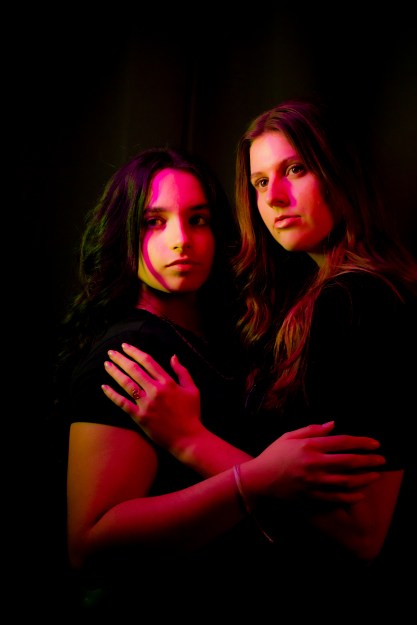
As part of Caryn Esplin’s photography course, we planned and participated in a fashion photoshoot. I had the privilege to take photos of nine talented female models and six wonderful male models. We covered portraits for men and women, as well as accessory and group photography.
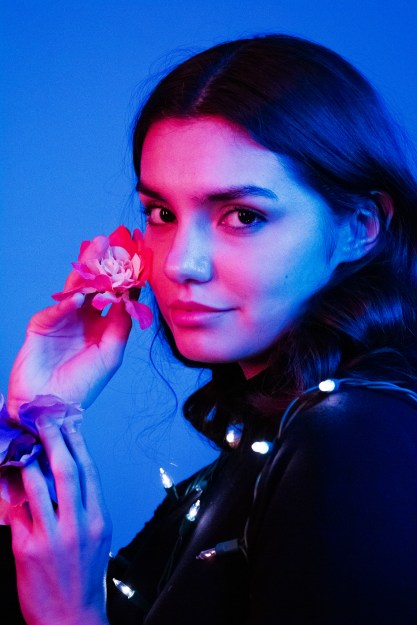


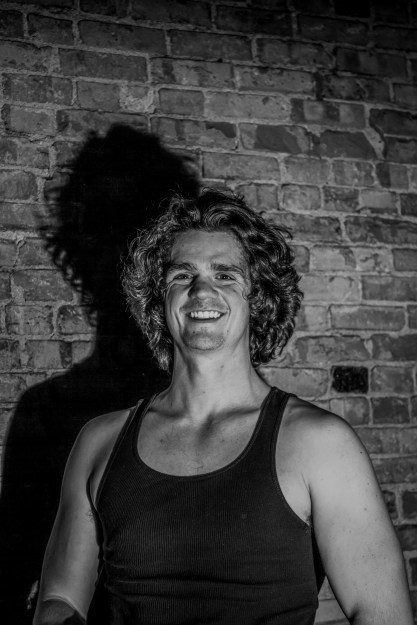




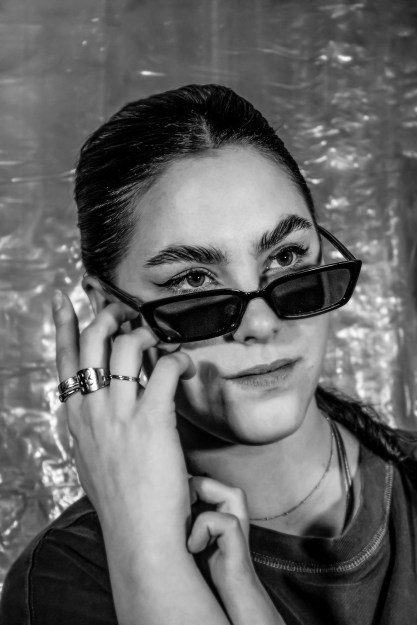


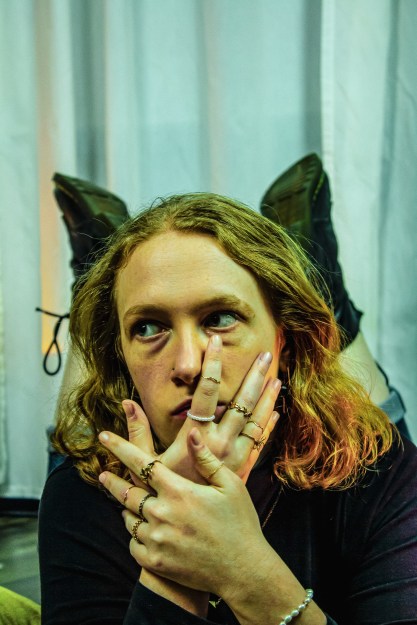

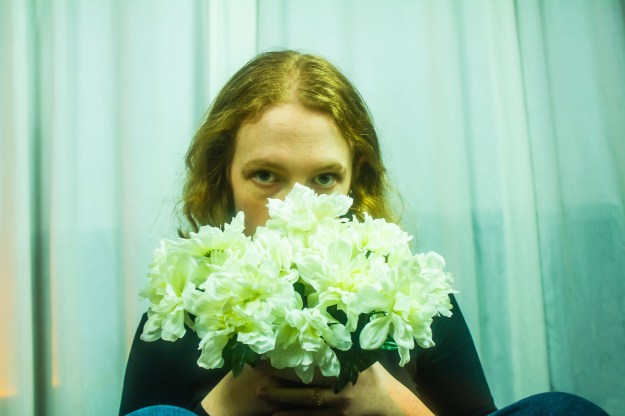


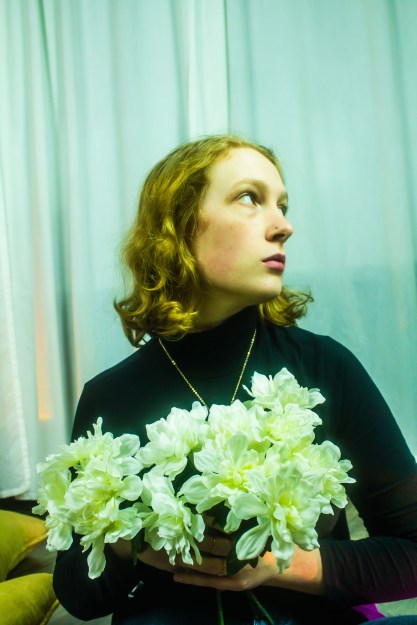
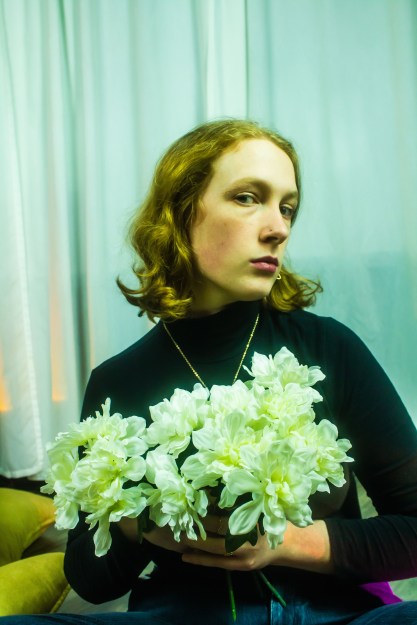


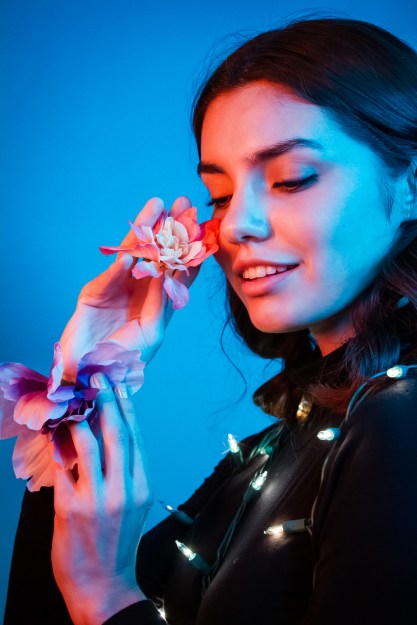

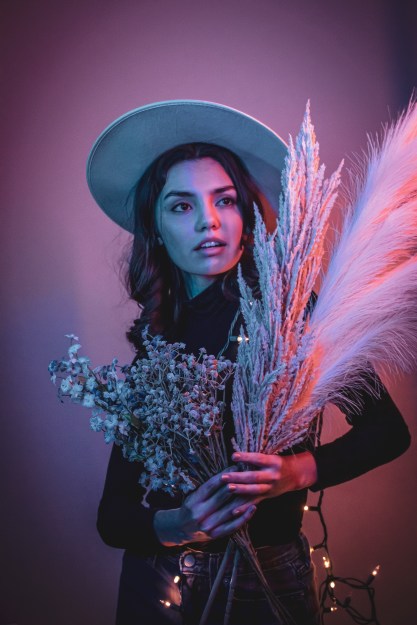
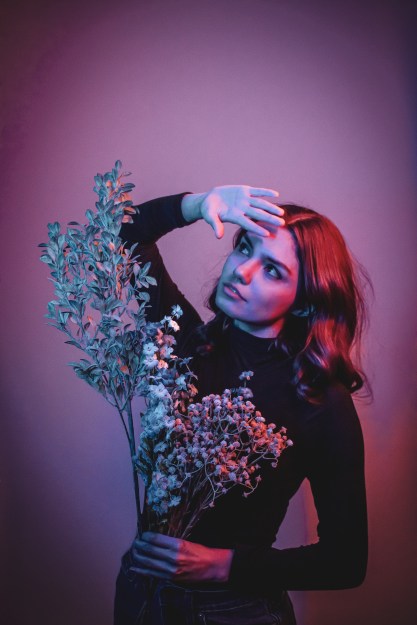
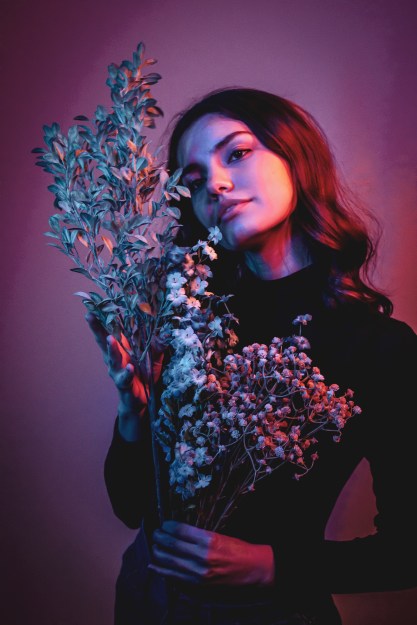

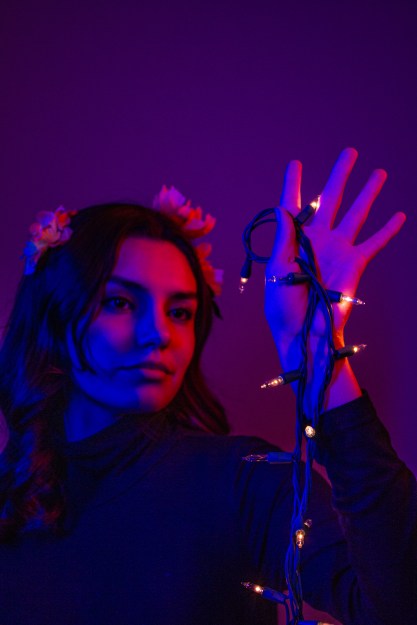

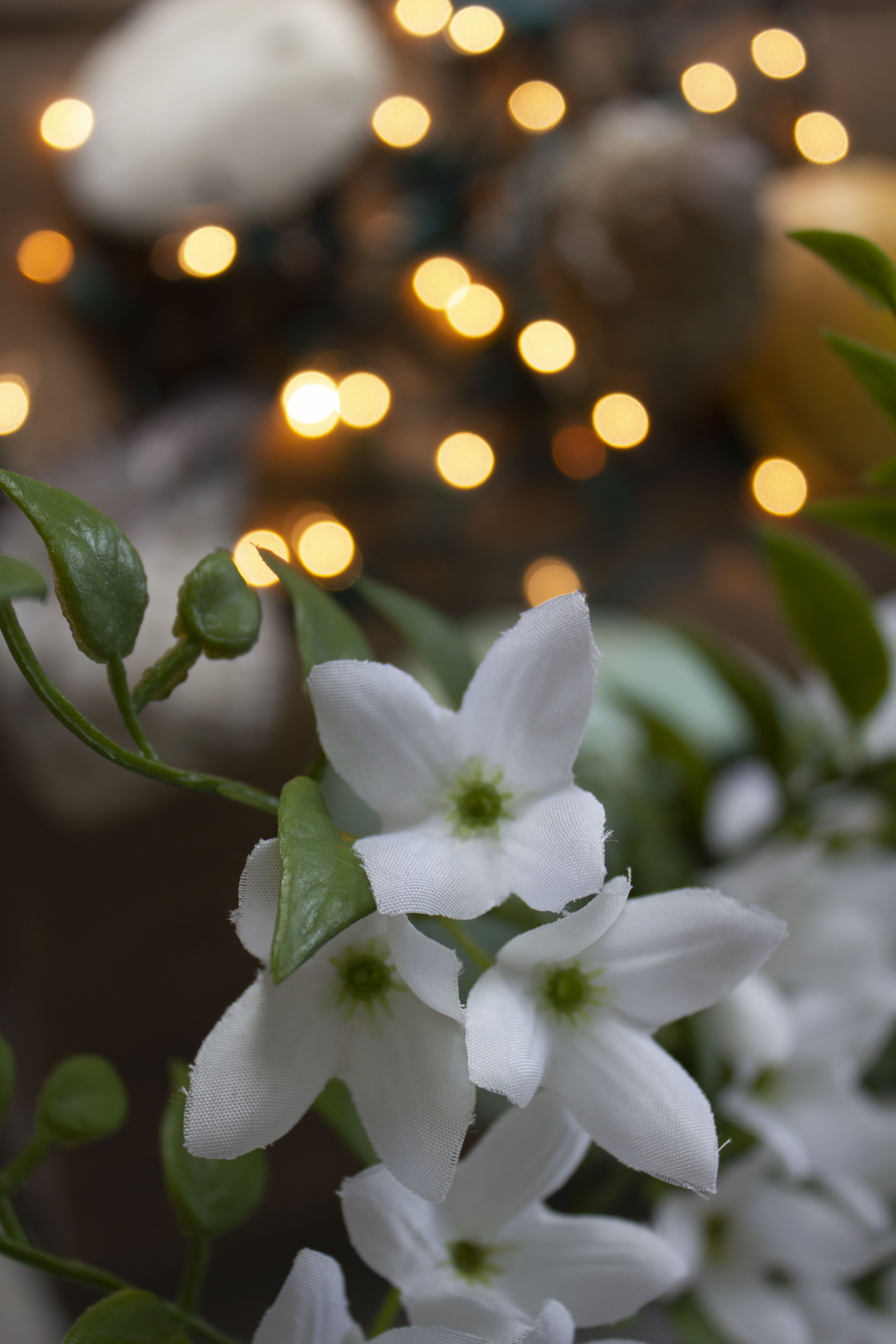
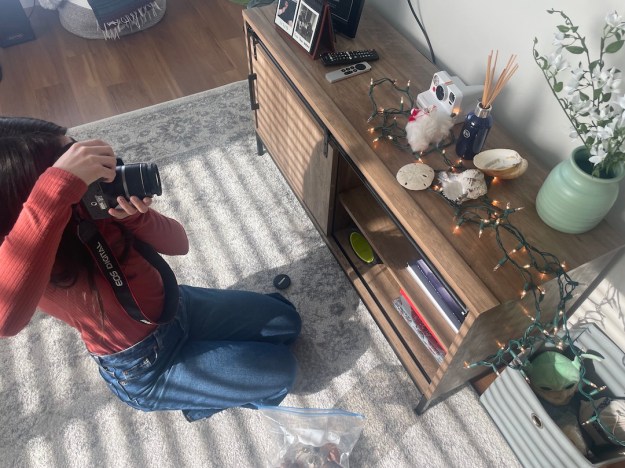
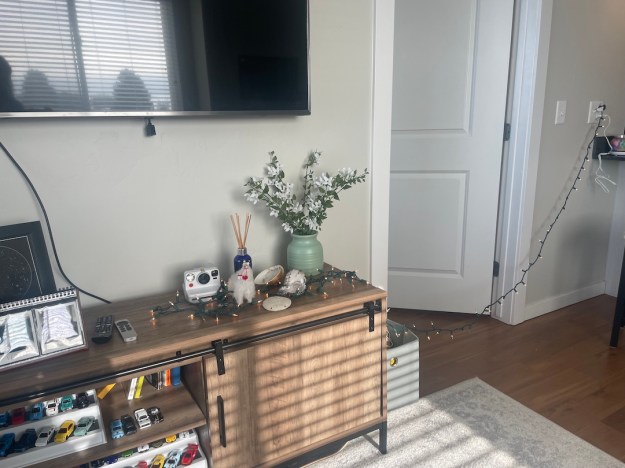
For our first photography assignment, I wanted to apply my creativity with the things I already have. In a world saturated with advertisements, media and easy ways to spend money, we can forget to be grateful for the things we already have. For my OSES project, I wanted to apply just that.
For those who don’t know, OSES stands for “Ordinary Spot, Extraordinary Shot”. This means taking your photos in an “ordinary” or boring spot and making them spectacular. With Christmas just last month, I still had some flashing lights I had in mind to use as props. Over the summer, my family and I went to Mexico and collected seashells. With the treasures I already had in my home, plus other knick-knacks, I could make an ordinary spot in my apartment extraordinary.
The editing process was rather simple! I used sliders in Camera Raw, such as temperature, exposure, contrast, highlights, shadows, textures and clarity. I took things a step further into Photoshop by dodging and burning and applying a final “Levels” filter. I also applied “Smart Sharpen” and my watermark.












 Isabelle Justice