Idaho National Laboratory

This project was completed for BYU-I’s news organization, Scroll. This documentary won an Idaho Press Club award.


During the 2023 Fall Semester, Scroll visited Idaho National Laboratory to understand how their projects impact Idaho and the nation.

As Editor in Chief, I organized, edited, took photos and published all content for this project. This video is the result of the students’ visits and collaboration with Soapbox, BYU-Idaho’s creative agency. This video is a student’s interpretation and might not reflect exactly all the work done at INL.

Documentary

Articles in the series ‘Idaho and the Energy Future’

Behind-the-scenes photos

The documentary team behind Idaho and the Energy Future film content next to an Electrolysis machine.
The documentary team behind Idaho and the Energy Future film content next to an electrolysis machine. Photo credit: Isabelle Justice

Soapbox employees, BYU-I's creative agency, film content for the Idaho and the Energy Future Documentary.
Employees from BYU-I’s creative agency film content for the Idaho and the Energy Future documentary. Photo credit: Isabelle Justice

Scroll reporter, Katia Brown, taking notes while interviewing Benny Varghese, an EV research engineer at INL.
Scroll reporter, Katia Brown, taking notes while interviewing Benny Varghese, an EV research engineer at INL. Photo credit: Isabelle Justice

Video Journalism

I created a video summarizing the special project we created for Idaho National Laboratory for a Video Journalism course.
Product Photography

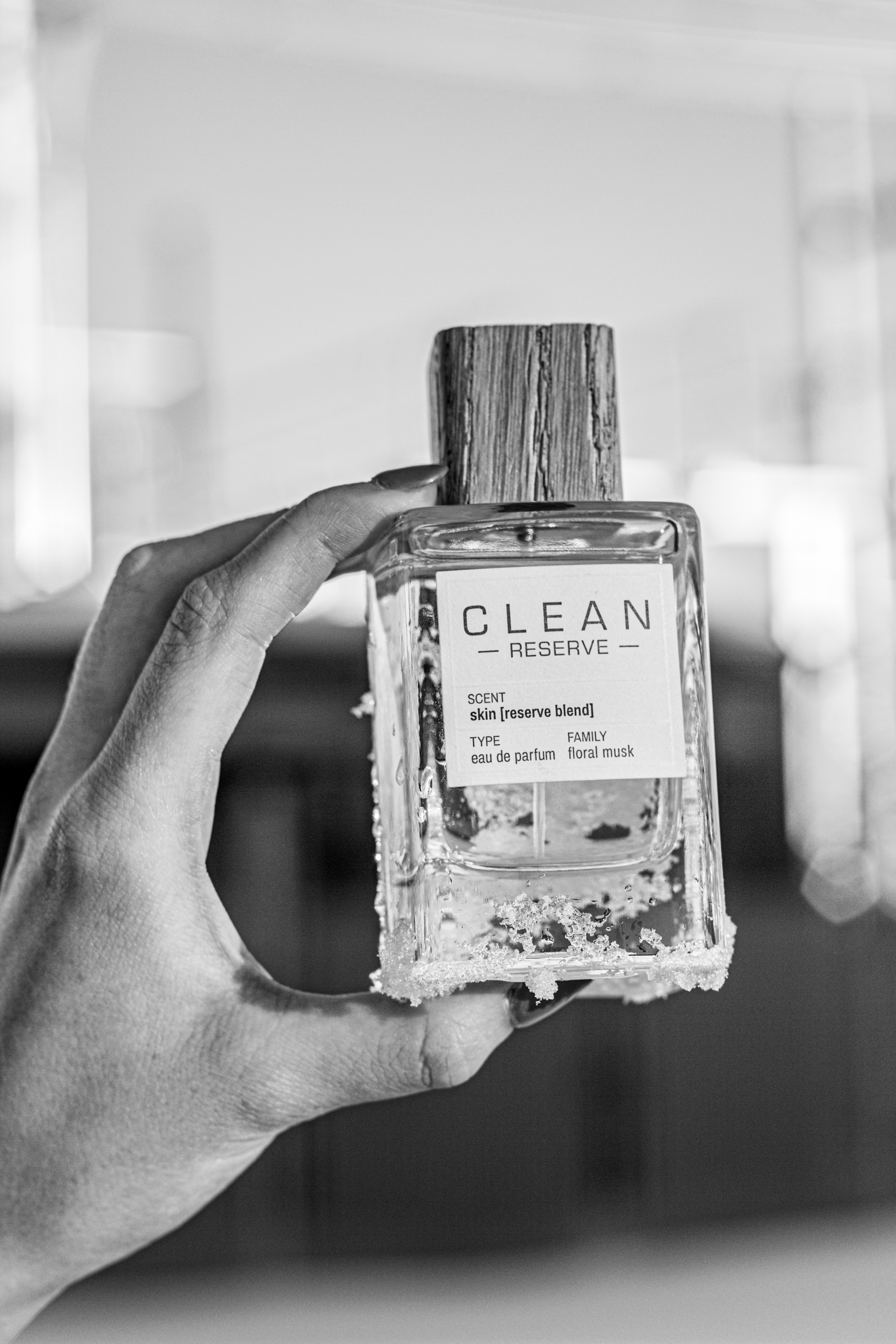
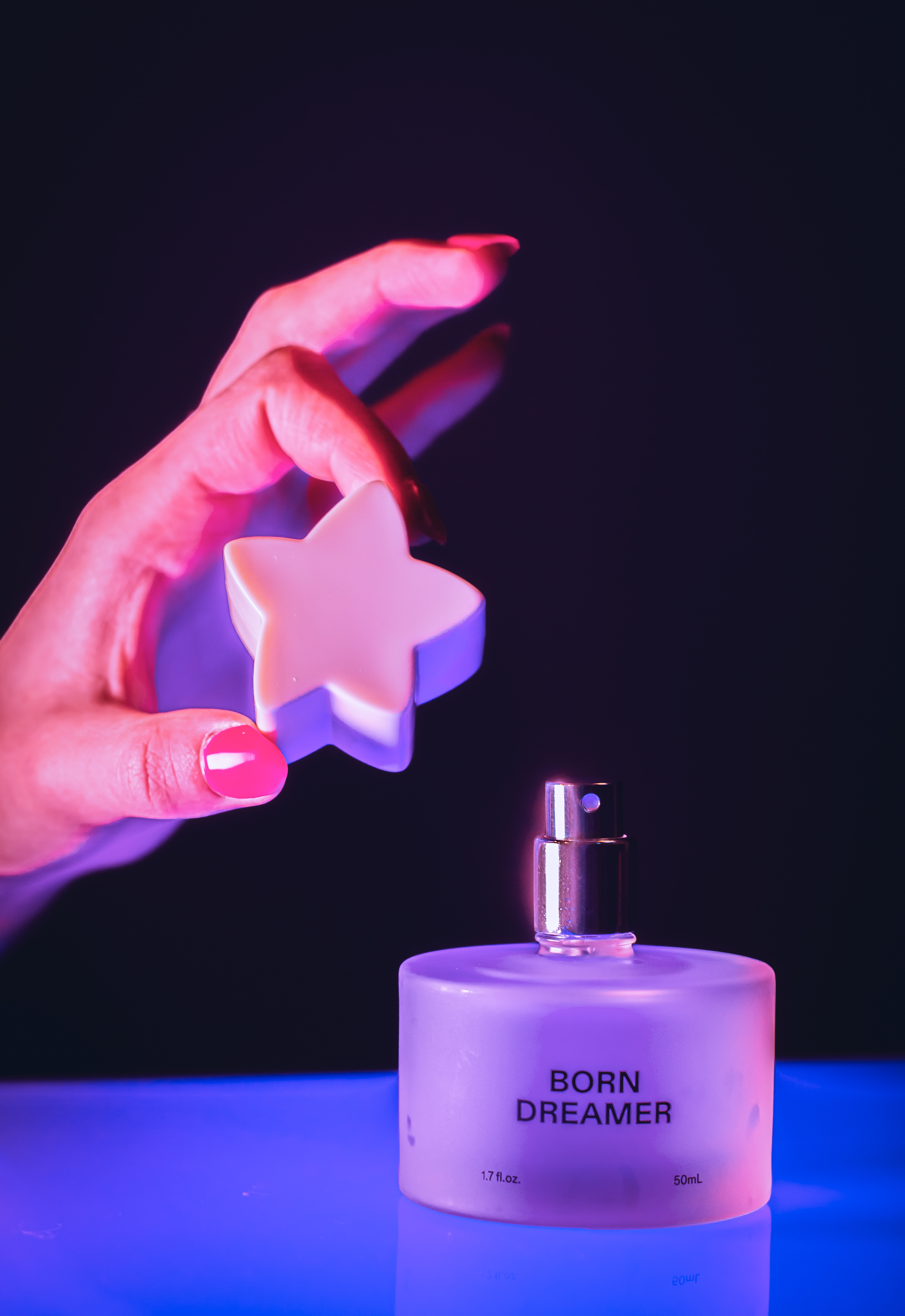
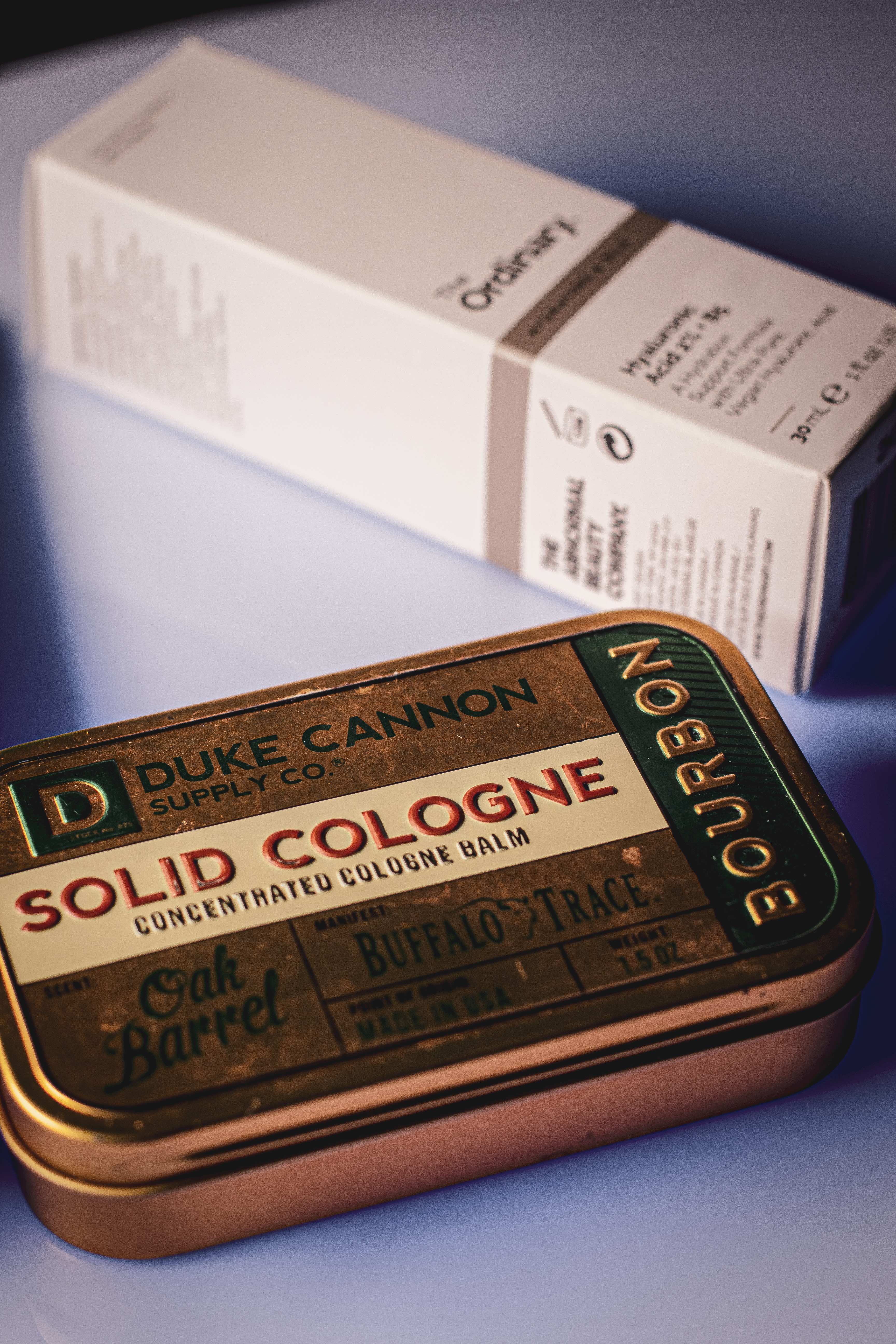
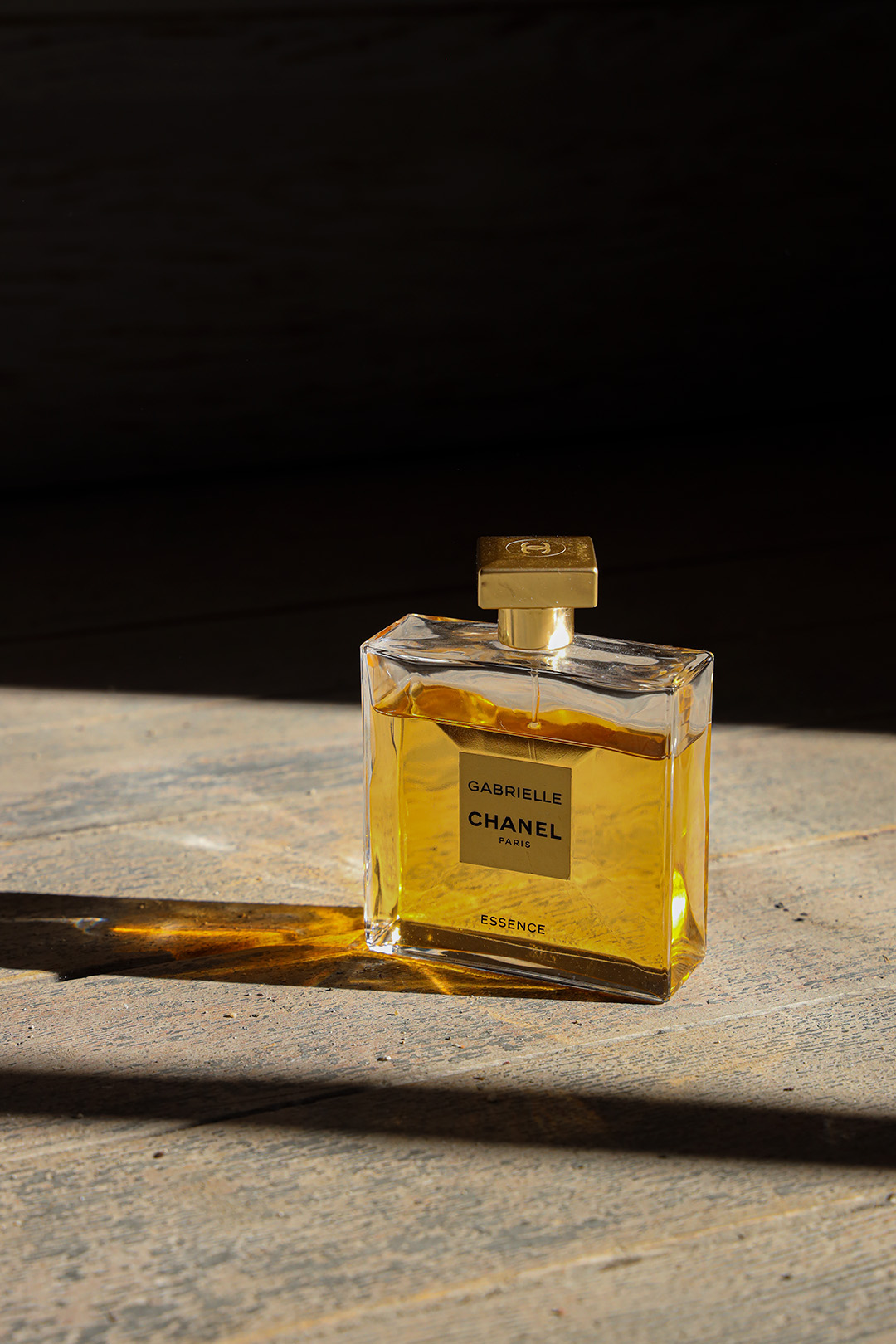
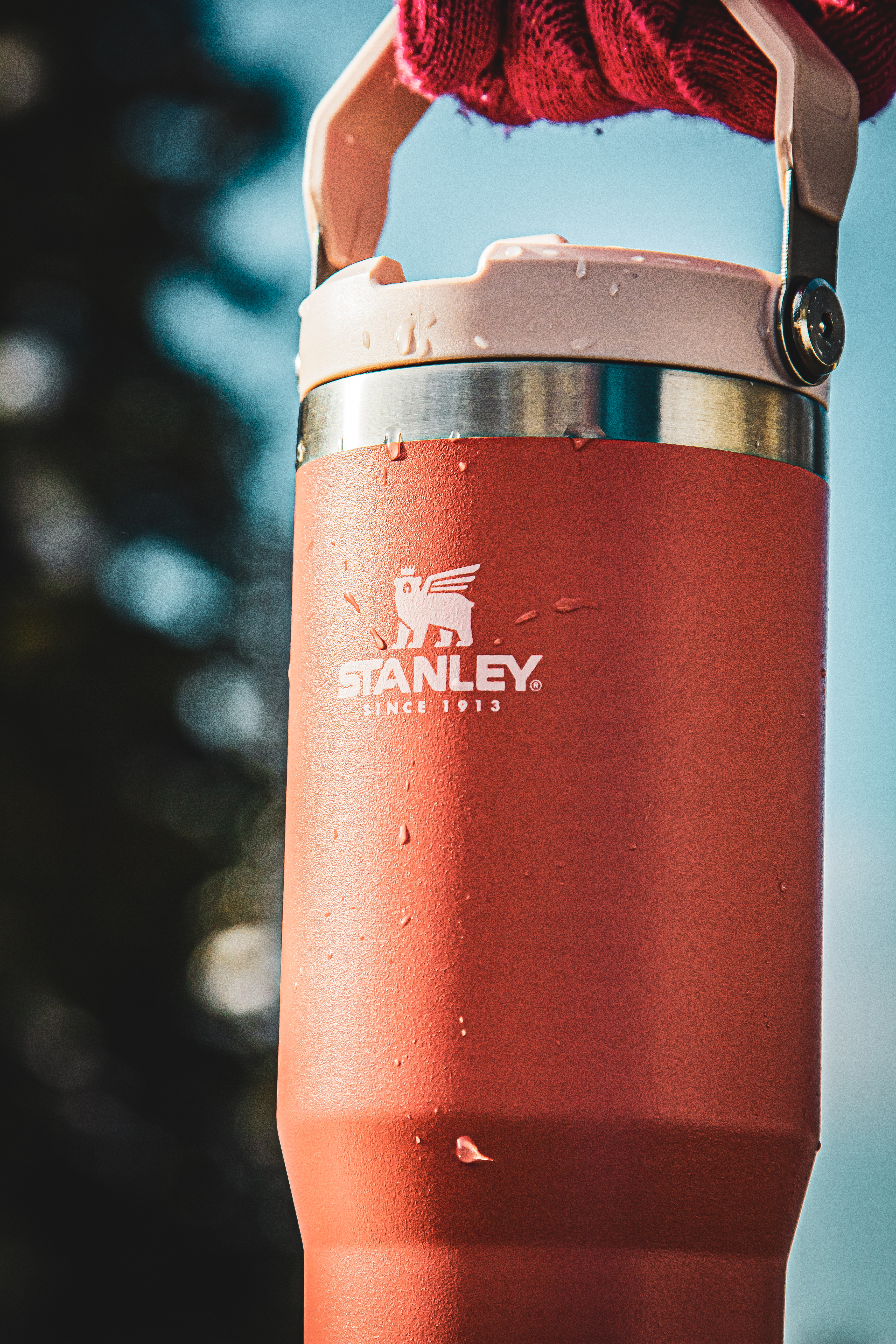
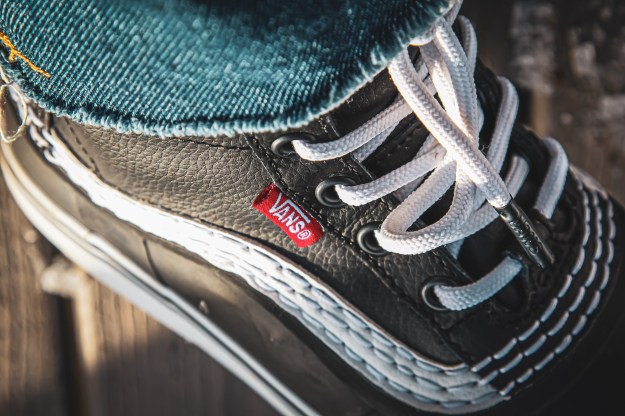
Product photography is a great way to expand your editing skills, be an asset to your company, and add more talents for freelance work.


Outdoor

Stanley
Vans

Indoor

Born Dreamer
Elf
Solid Cologne
Skin Care

Instagram Post

Product Photography Post

Pretty in Pink Poster Redesign

For this assignment, we were instructed to recreate a movie poster. I was determined to make this print something I am extremely proud of.

I decided to follow an 80’s classic – Pretty in Pink. I love the aesthetics of this film! I typically do my projects with blue or purple color schemes, but I wanted to see how well I could do with a color I have never played with before.

Final Product

Here was my inspiration for this project.

Using a free font named “Blackout” from dafont.com, and a pink paint stroke .png file from pngitem.com, I elevated my design. I went through many drafts to make sure the final product was perfect. Finally, I took my InDesign file back into Photoshop. Here, I added a mask to remove the white backdrop, a halftone effect, and the healing tool. I am so proud of how this turned out!

Click through the slideshow to see my editing process from beginning to end.

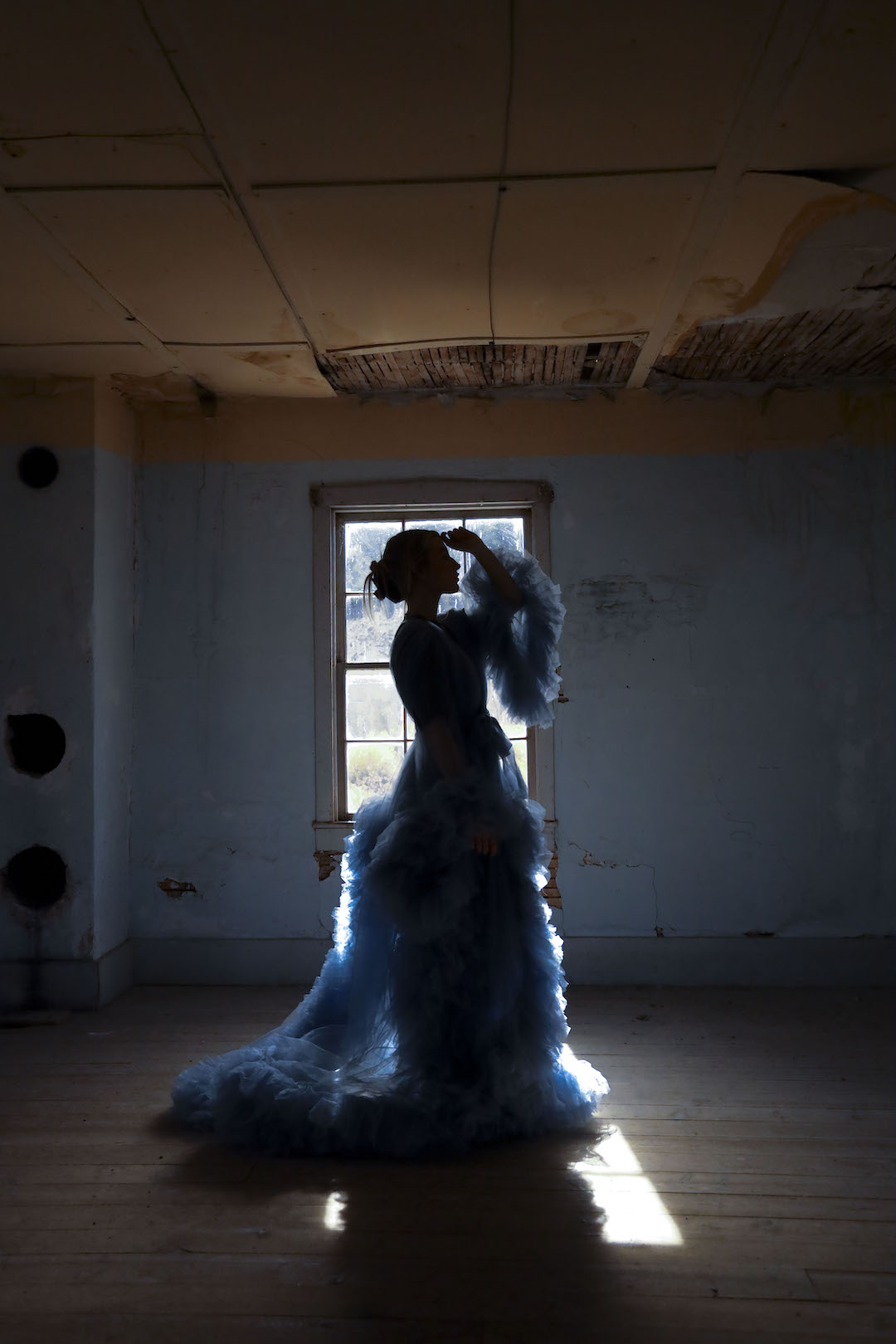
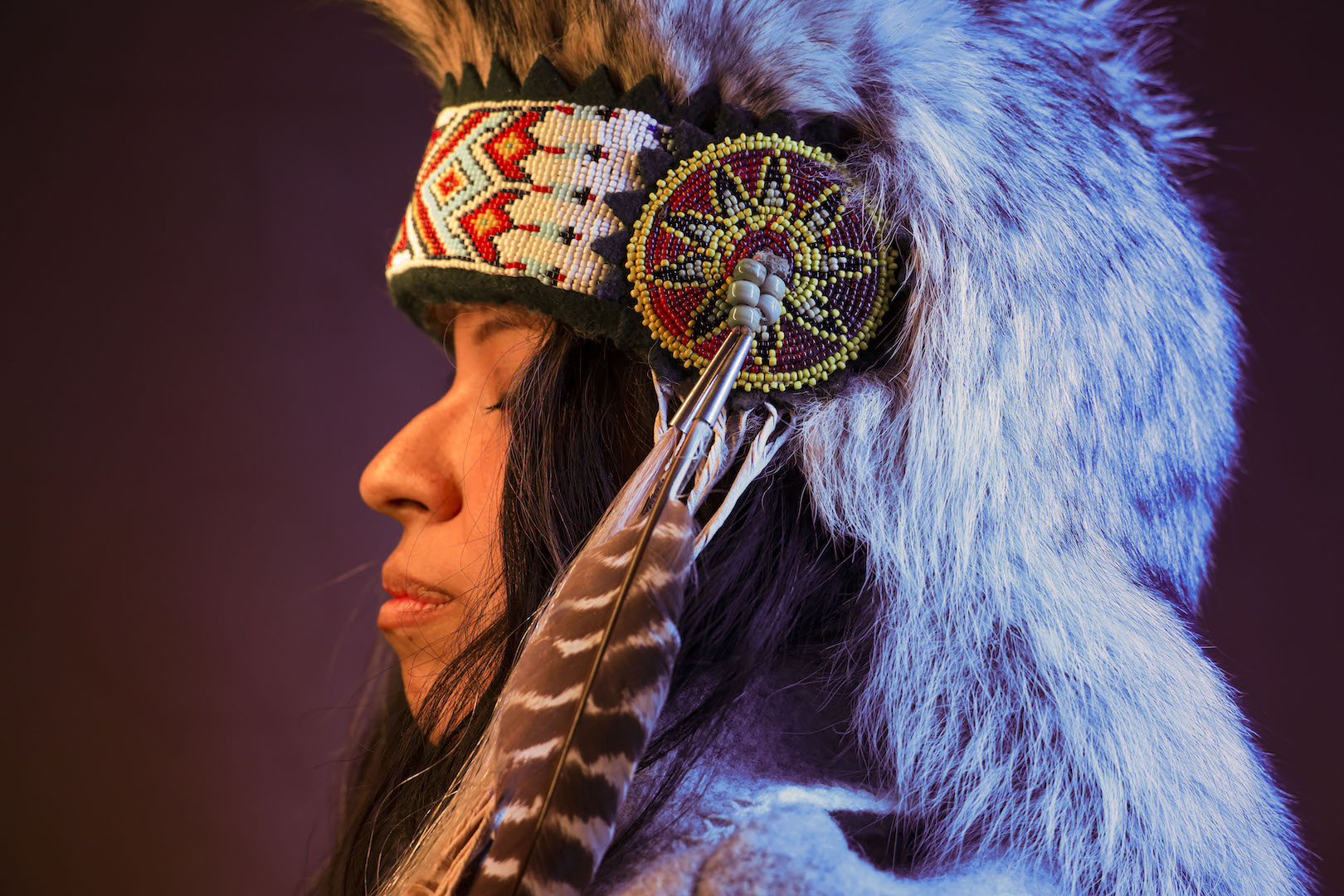
Images

Self Portrait
Portrait #1
Portrait #2

Instagram Post

Ordinary Spot, Extraordinary Shot!

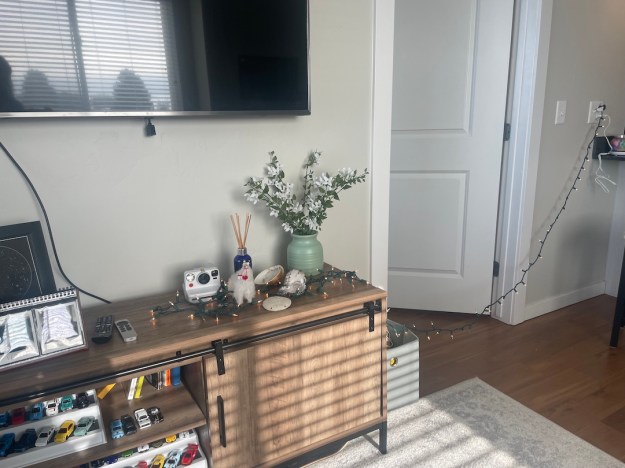
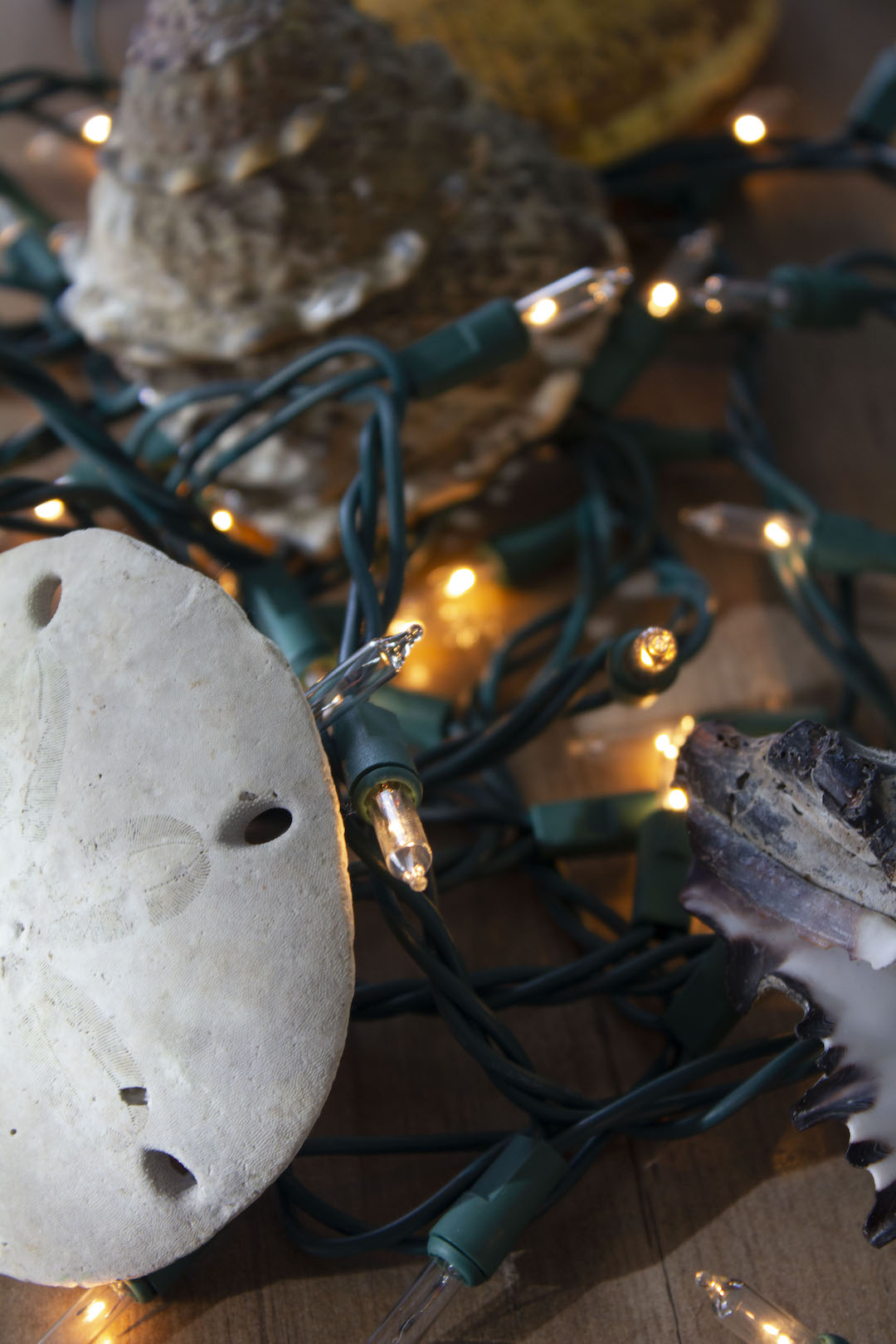
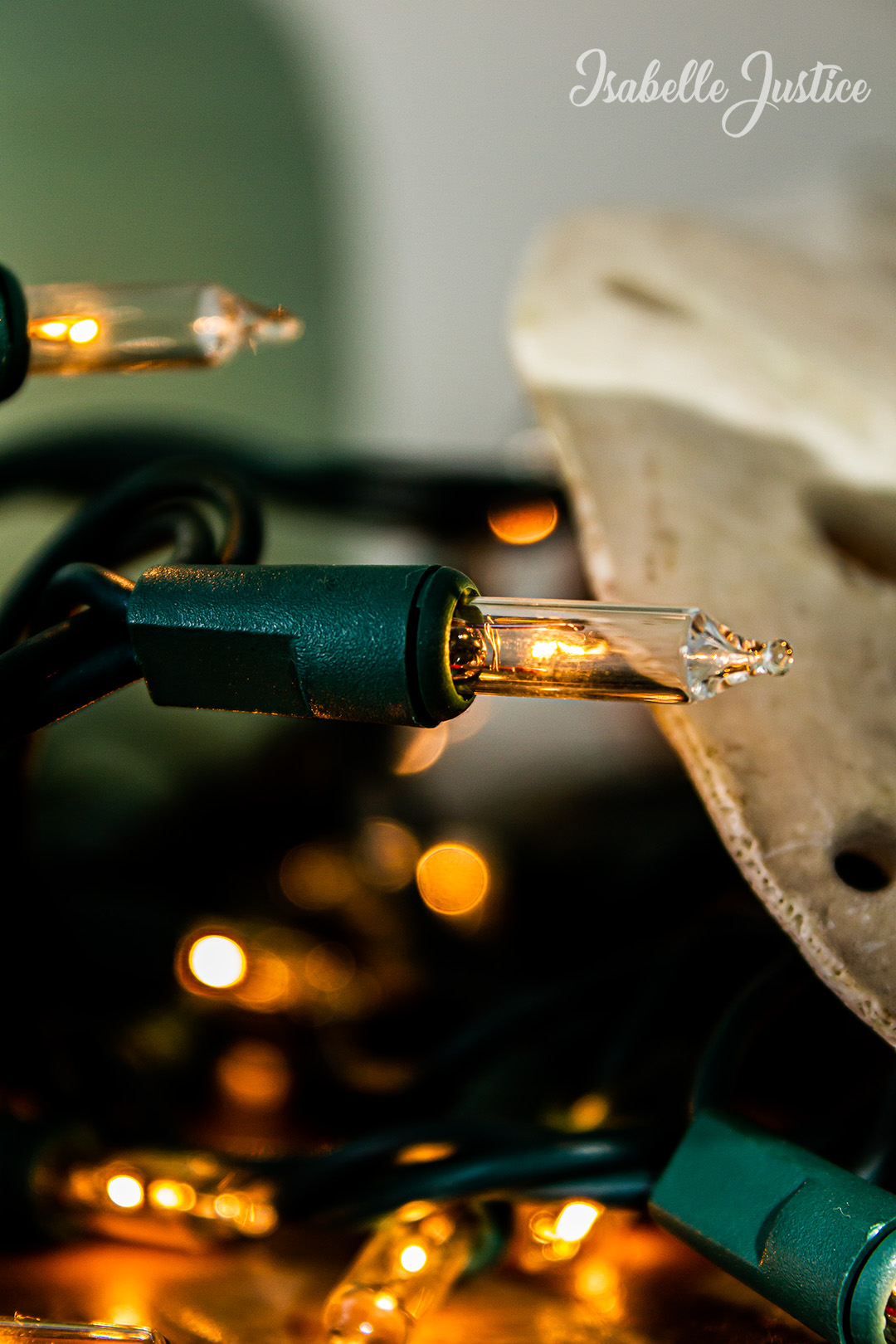
For our first photography assignment, I wanted to apply my creativity with the things I already have. In a world saturated with advertisements, media and easy ways to spend money, we can forget to be grateful for the things we already have. For my OSES project, I wanted to apply just that.

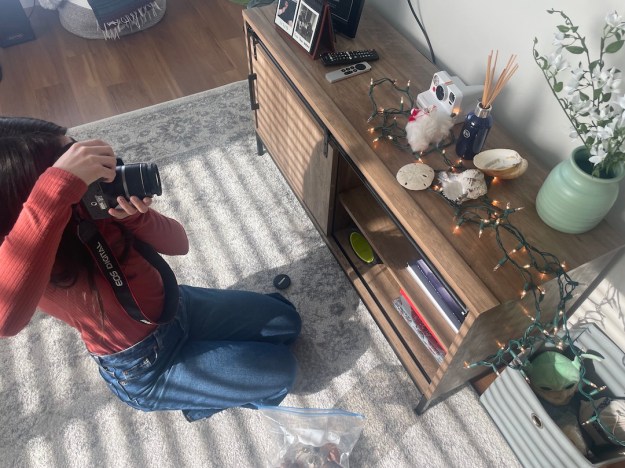
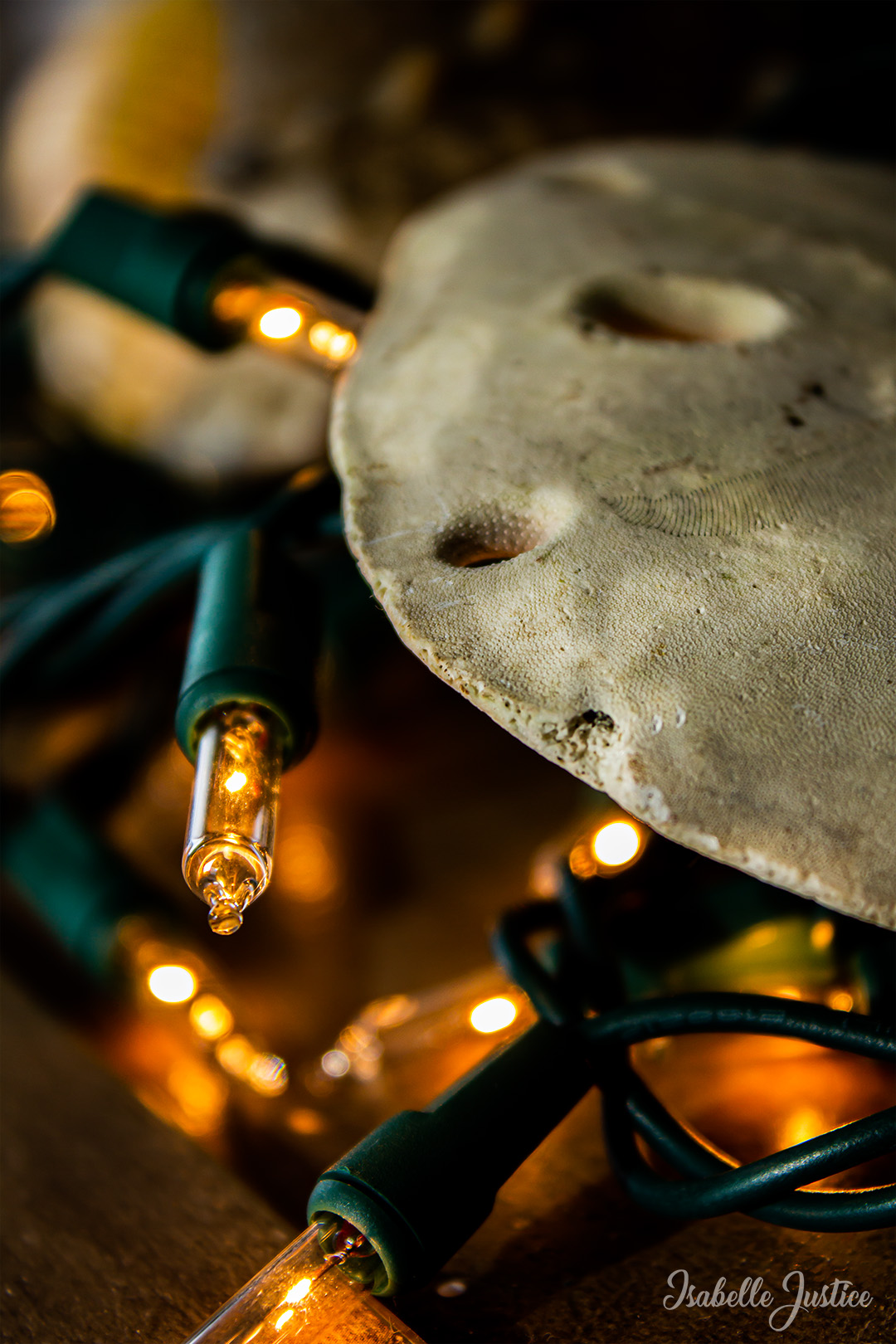
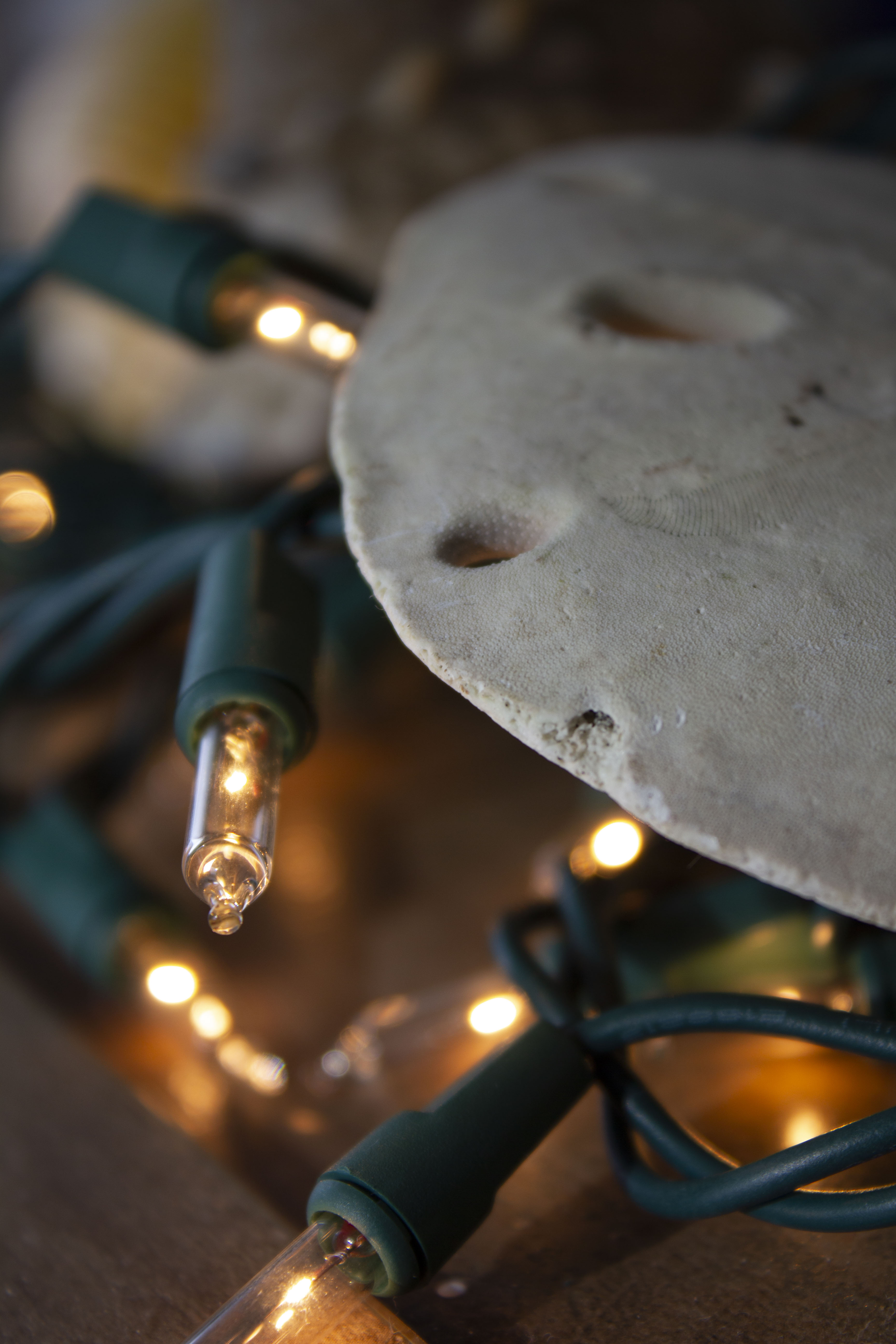
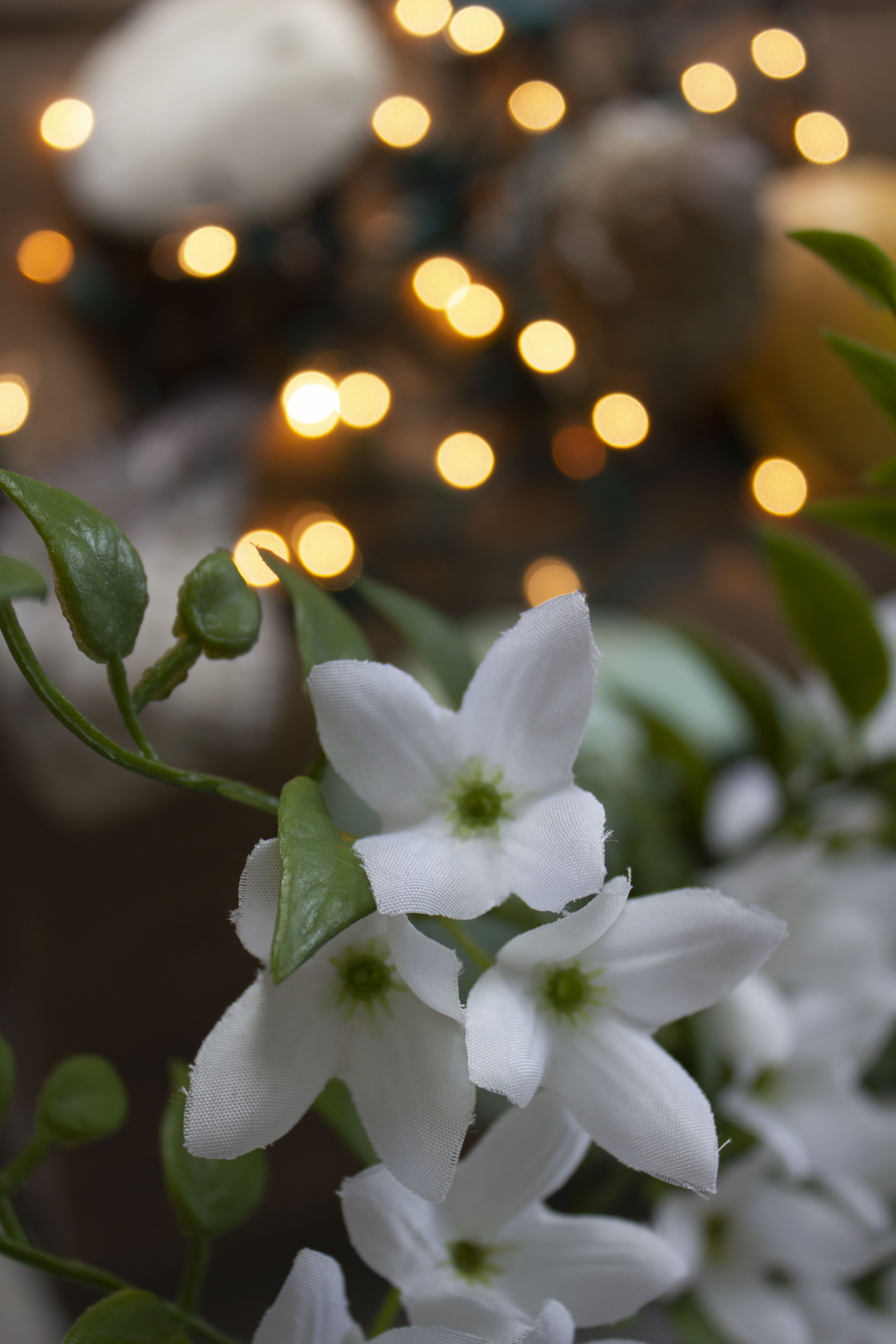
For those who don’t know, OSES stands for “Ordinary Spot, Extraordinary Shot”. This means taking your photos in an “ordinary” or boring spot and making them spectacular. With Christmas just last month, I still had some flashing lights I had in mind to use as props. Over the summer, my family and I went to Mexico and collected seashells. With the treasures I already had in my home, plus other knick-knacks, I could make an ordinary spot in my apartment extraordinary.

Original Set-Up & Editing

The editing process was rather simple! I used sliders in Camera Raw, such as temperature, exposure, contrast, highlights, shadows, textures and clarity. I took things a step further into Photoshop by dodging and burning and applying a final “Levels” filter. I also applied “Smart Sharpen” and my watermark.

Photo 1

Photo 2

Photo 3

Photo 4

Instagram Post

My Top 5 Photographs

As the semester tips over its halfway point and our in-class photography is complete, we were assigned to compile our top 5 photographs.

Looking over my work, I am pleasantly surprised by my improvement. I can also see how much my taste in photography has changed! Photographs that I thought were my best work at the beginning of the semester has changed. It was really nice to look back and physically see my progress.

The Fallen Rose

I am extremely proud of this image! I found this collapsed rose in the gardens of the Smith Amphitheater on campus. The way it was dramatically placed by nature itself became my perfect shot.

I took some great editing advice from my professor who advised me to crop the image and create my focus on the sharpened part of the rose. I also liked the way I edited this picture and I think the post-production really made this image unique.

The Fallen Rose: 09/28/22, 3:45 pm at the Smith Amphitheater, ISO: 400, Aperture: f/5, Exposure: 1/100 seconds, Focal Length: 85 mm, Camera: Canon EOS R – Handheld, Aperture Priority