Printed Fine Art Photography

This semester I have grown so much. At the beginning of this course, I didn’t even know what aperture or ISO was. After studying how a camera works and personally testing it out for myself, I have become really proud of my work.


For my 16×24 Fine Art print,
I chose two photos.

The first photo I chose was of a beautiful mustang named Maserati. He was part of the Bannack, Montana photo excursion I was able to go on. When editing this, I really wanted to accentuate the texture of his hair and his aging spots. Sister Esplin gave a personalized workshop for the Digital Imaging students and she helped me understand how to do this in Photoshop. After she helped me, I made some adjustments myself. I used a lot of masks and used adjustments such as sharpening, Camera Raw filters, gaussian blur, and levels.

Below is the original image.


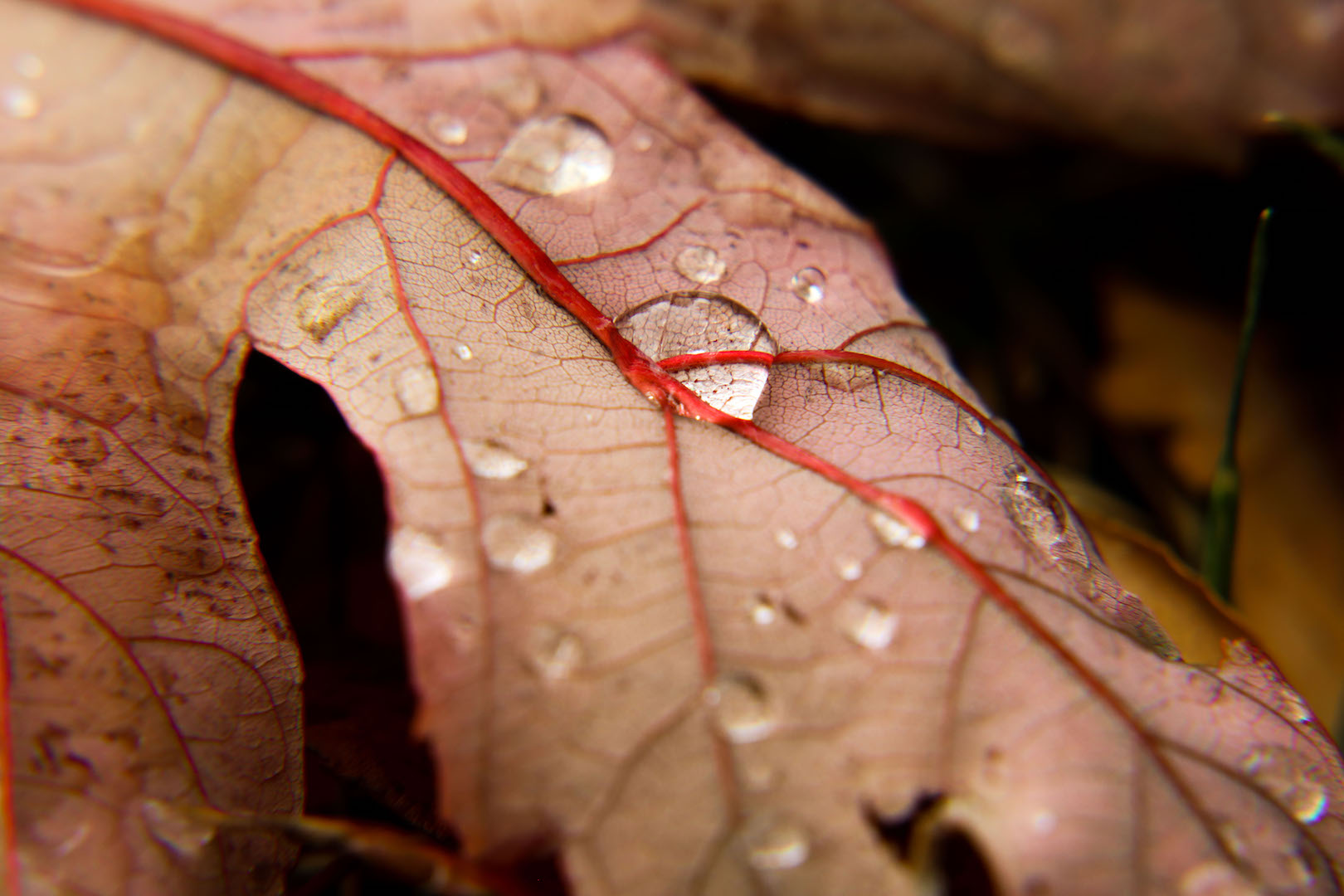
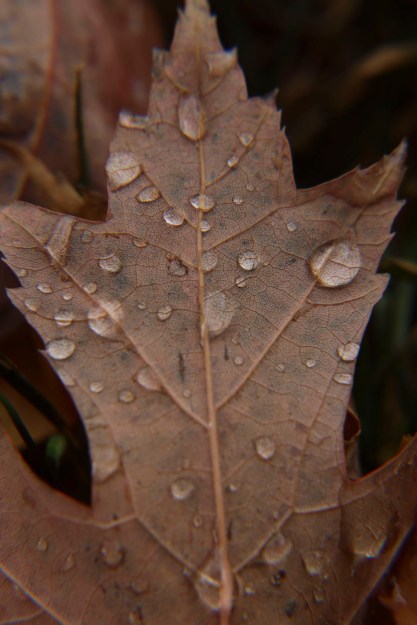
The next photo I chose to print was of my macro leaf shots. This was actually an in-class activity where props were brought into class for us to take photos of. The leaves outside were beautiful and I wasn’t impressed with how these macro shots were turning out. I decided to go outside ad try things from a new perspective. After Sister Esplin showed me some tips in Photoshop, I wanted to apply this for myself. So, for this photo, I used a Camera Raw filter, a sharpen mask, a gaussian blur mask, level adjustments, and the healing tool to cover up distracting holes in the leaf.
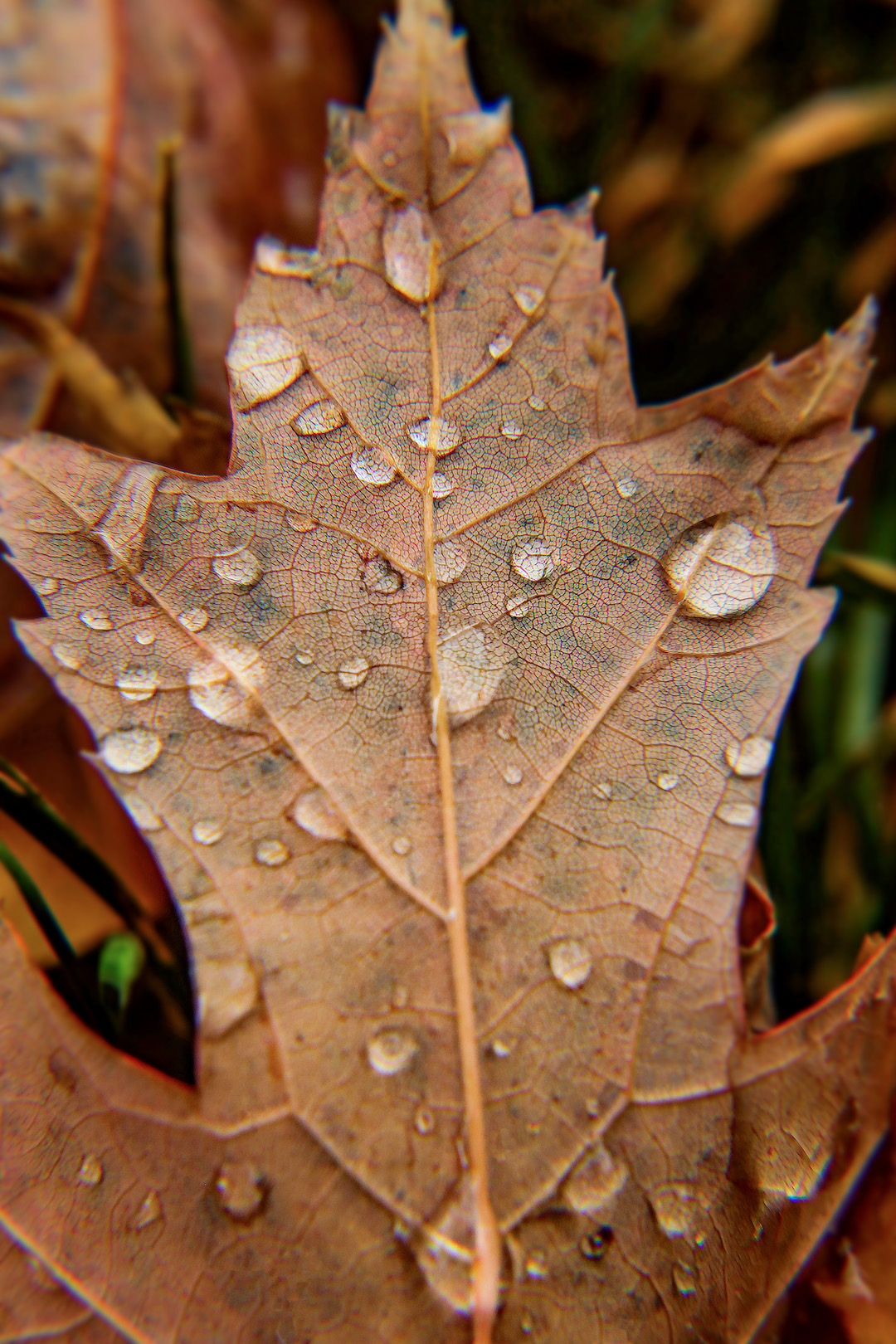
Below is the original image.
My Top 5 Photographs

As the semester tips over its halfway point and our in-class photography is complete, we were assigned to compile our top 5 photographs.

Looking over my work, I am pleasantly surprised by my improvement. I can also see how much my taste in photography has changed! Photographs that I thought were my best work at the beginning of the semester has changed. It was really nice to look back and physically see my progress.

The Perspective of Nine

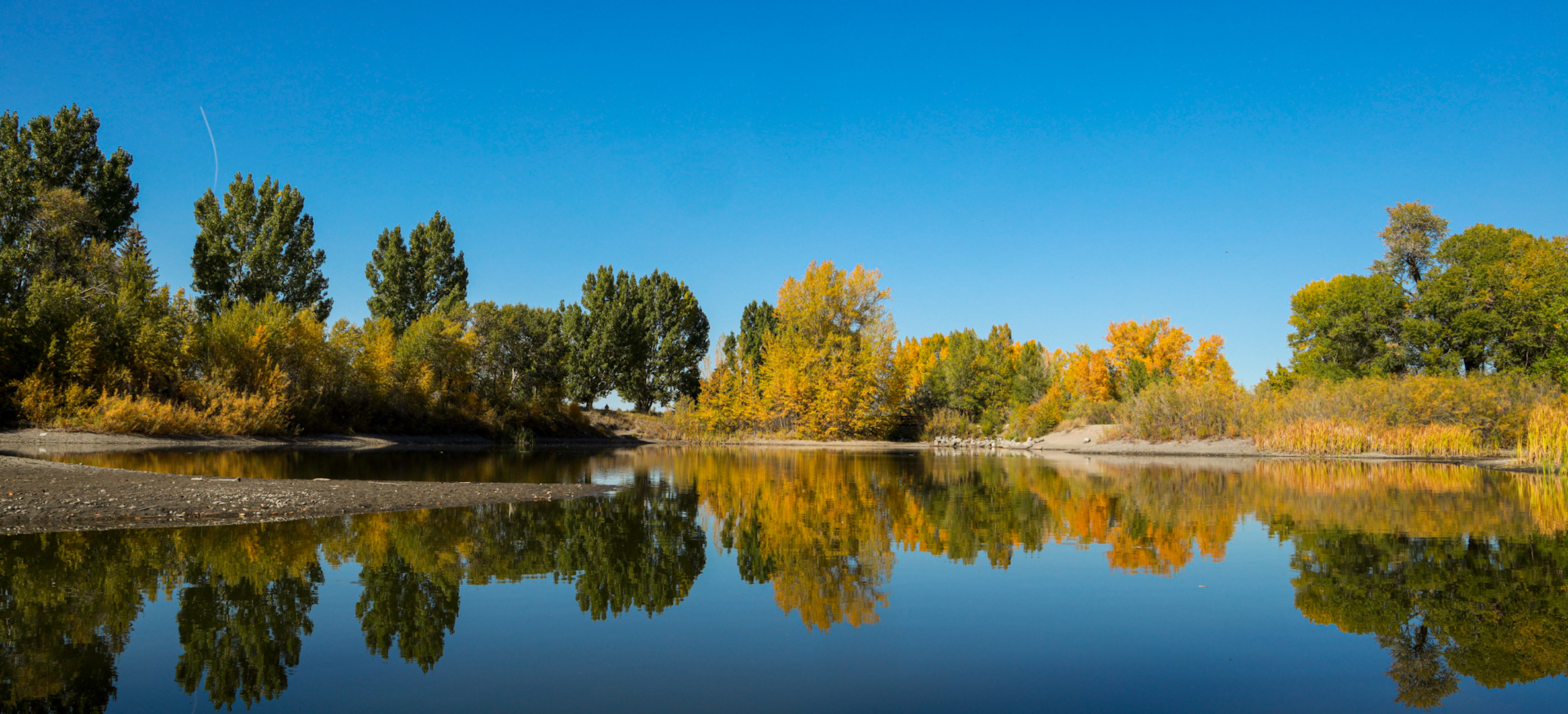
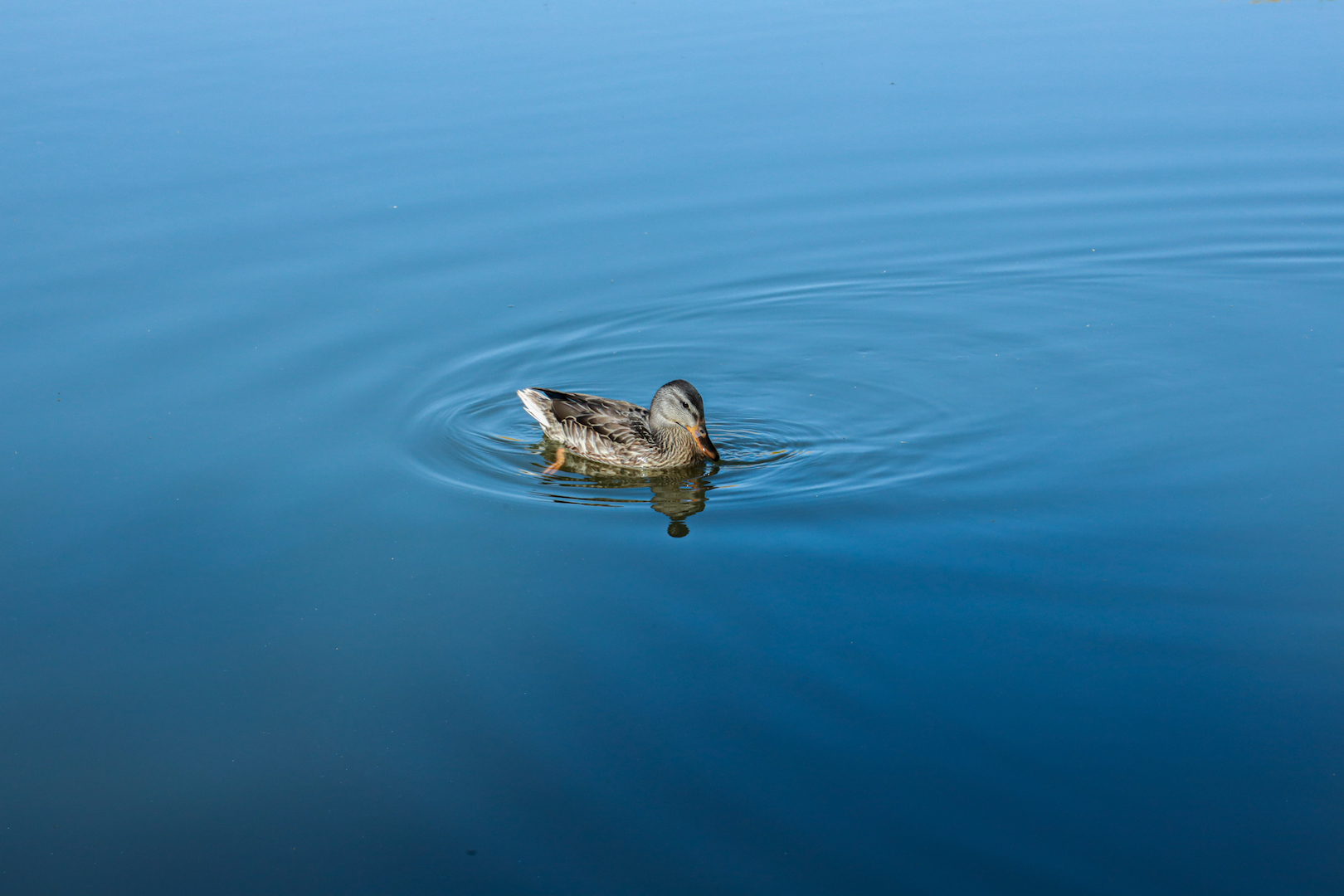
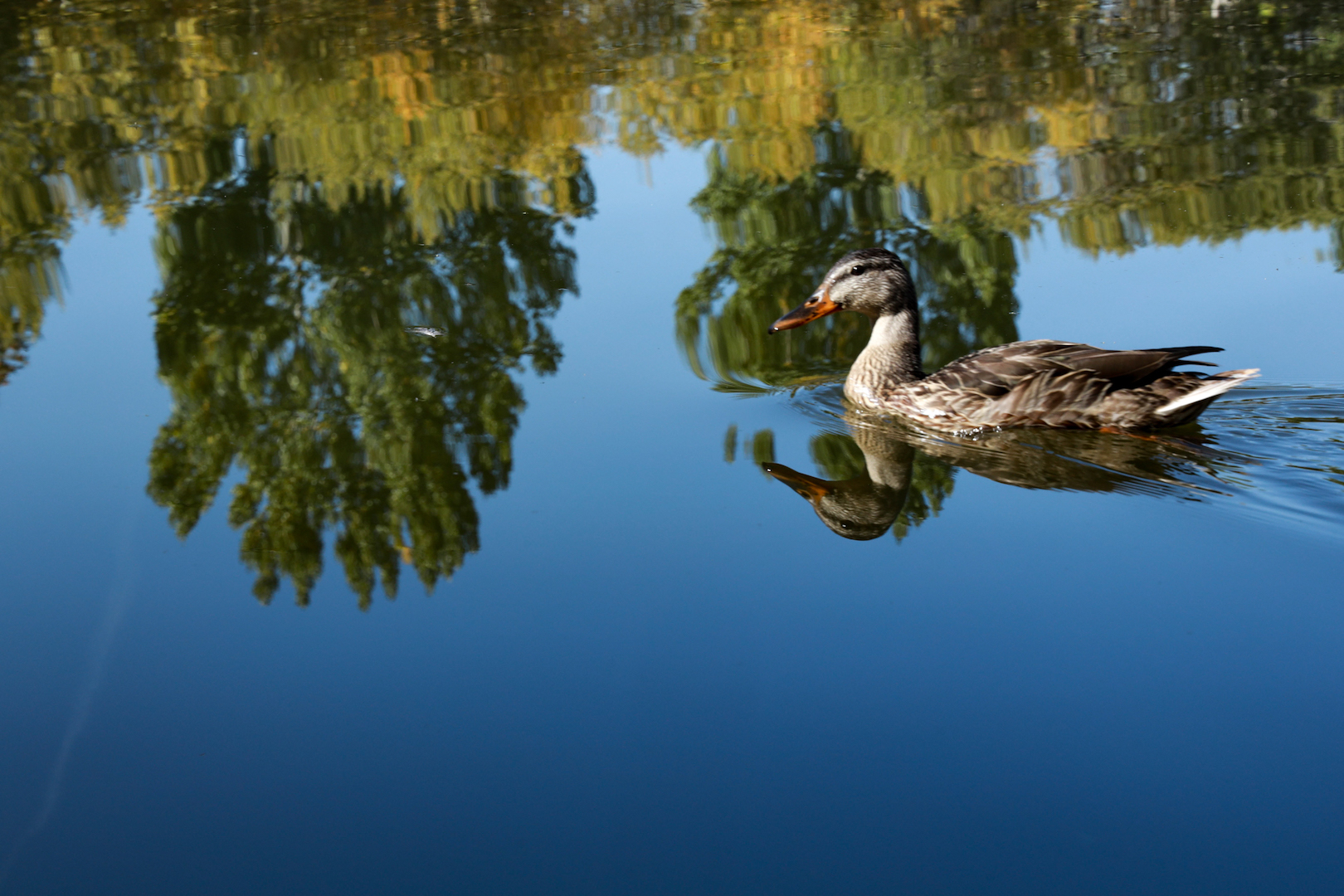
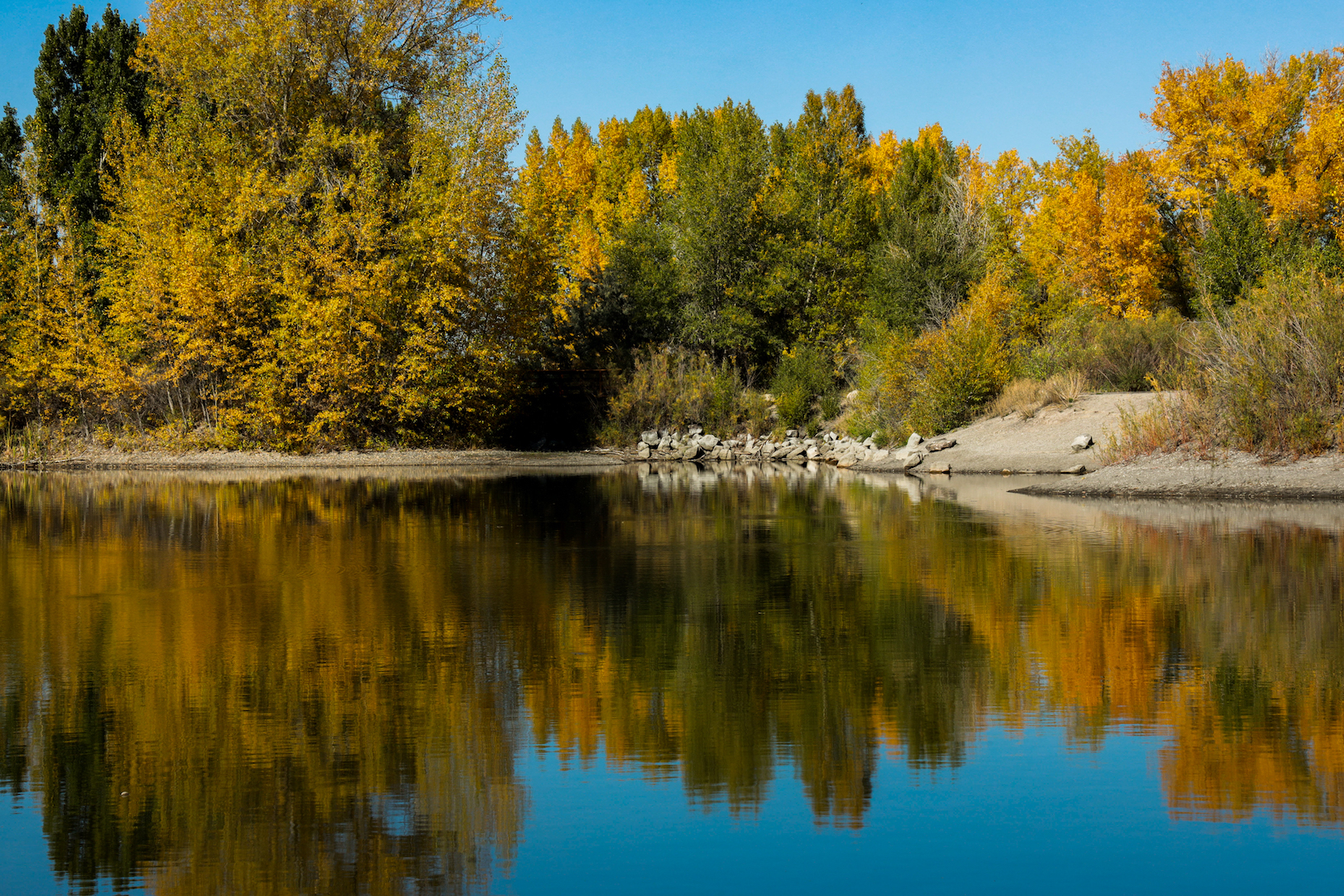
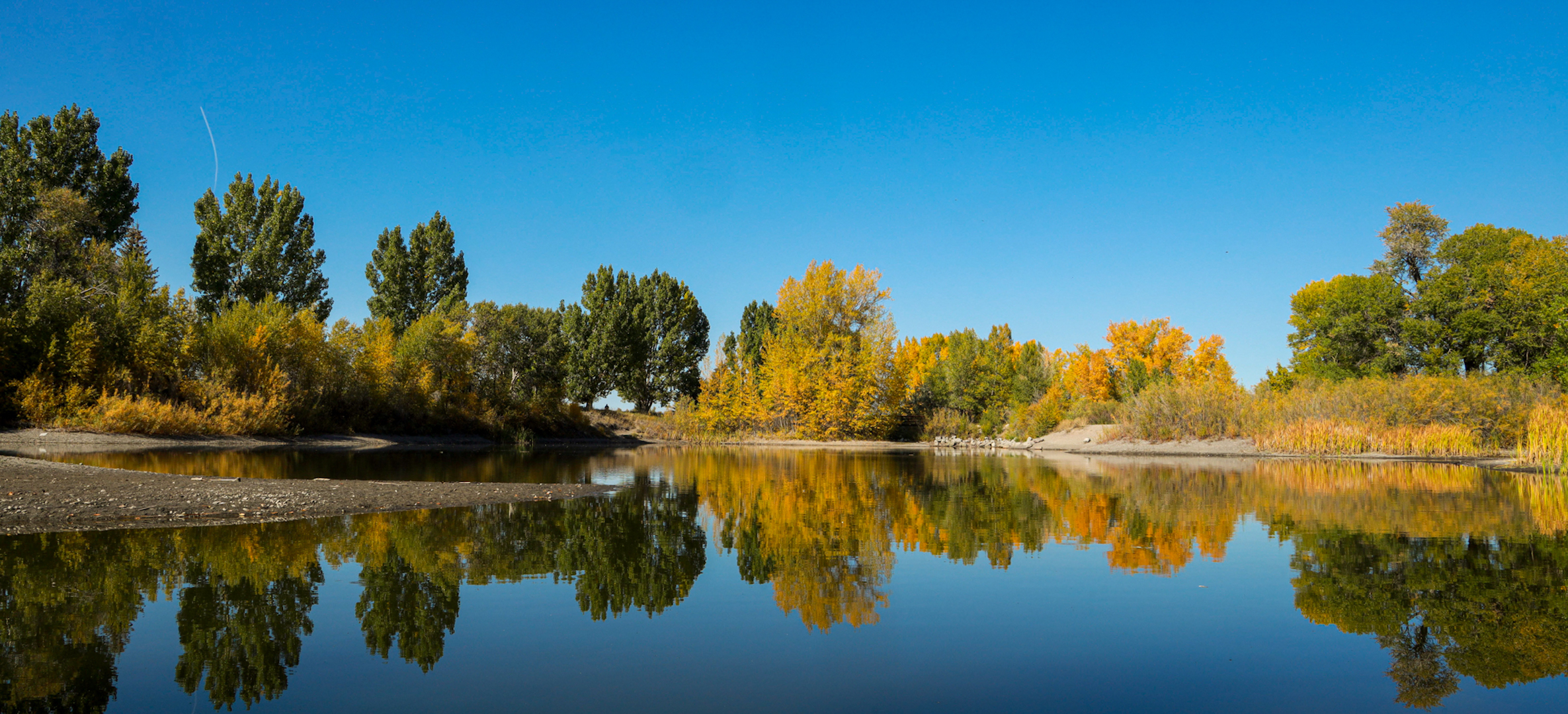
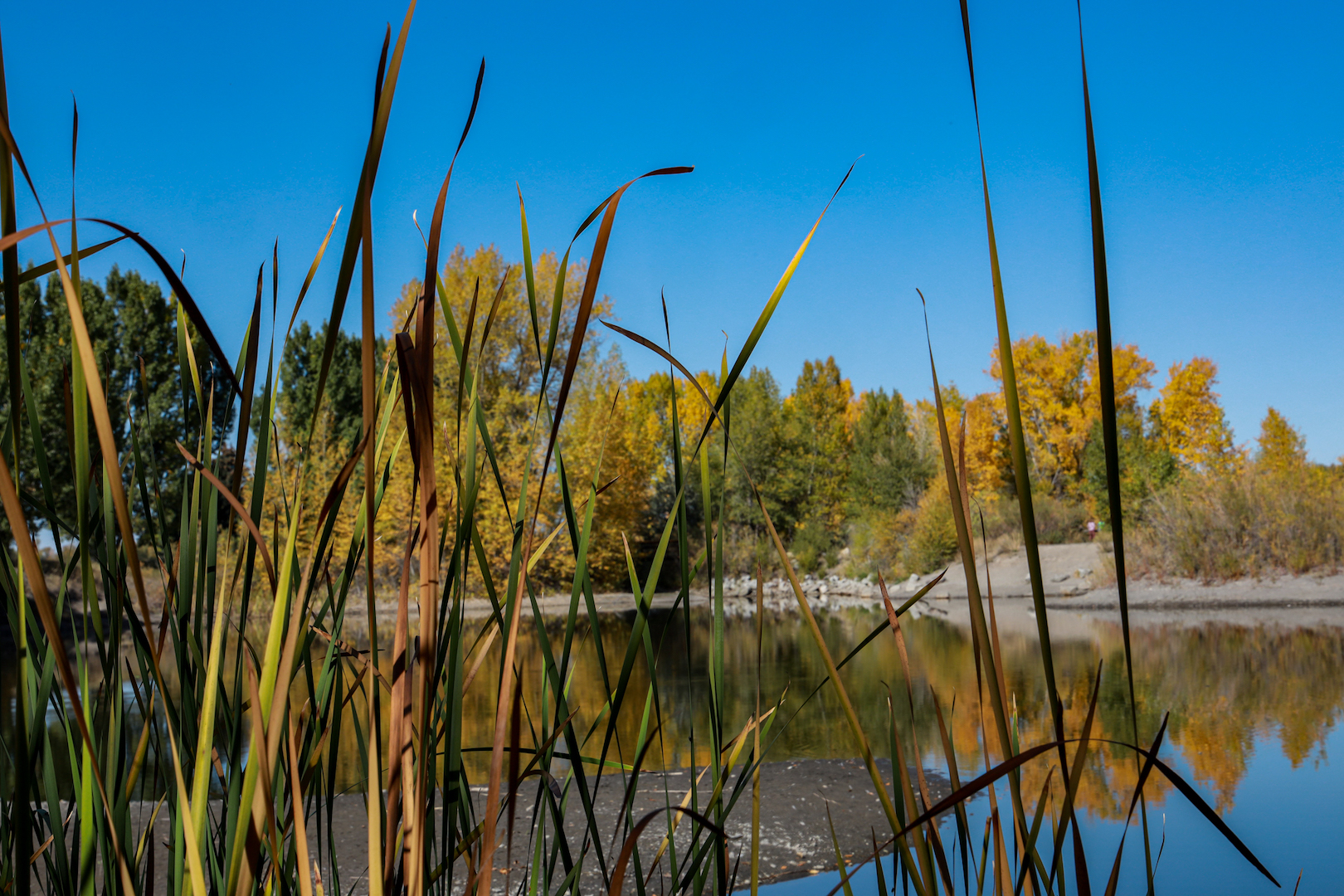
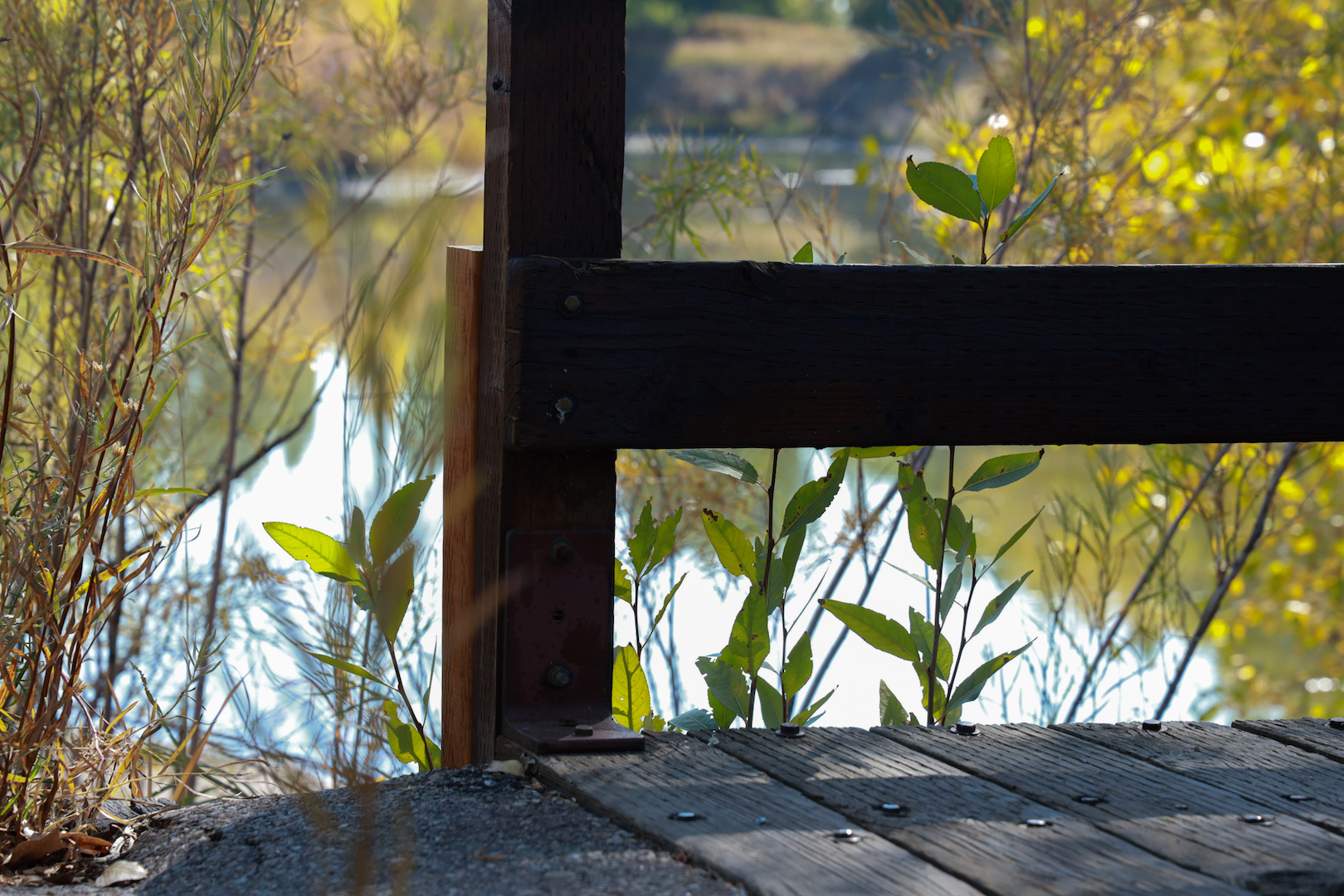
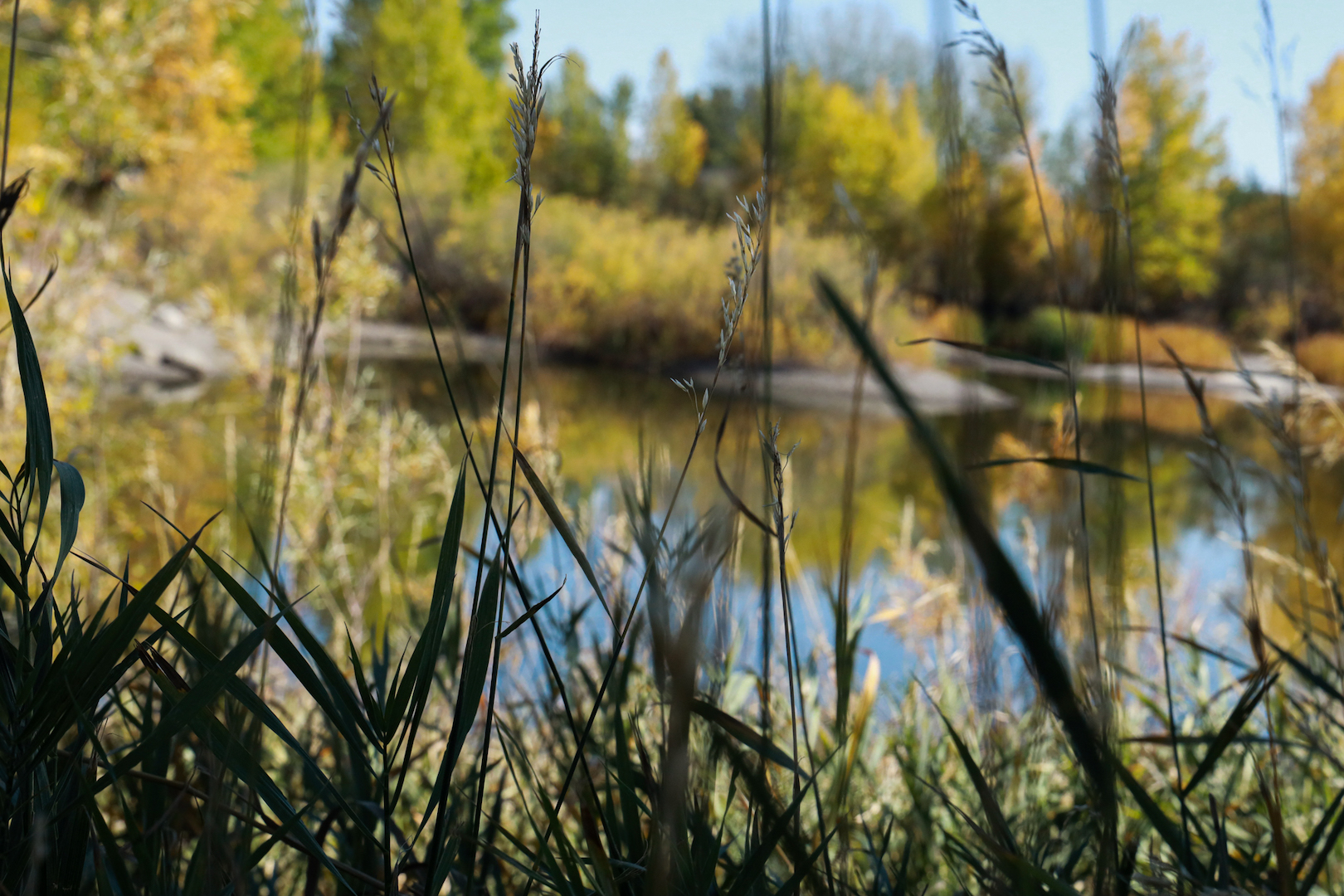
I took nine photos at Nature Park in Rexburg, Idaho. My husband, who is in the Professional Imaging course, was able to give me some helpful tips for landscape and wildlife photography. Nature Park is a place that means a lot to both of us and I am continually in awe of how beautiful Rexburg can be when you take the time to look a little closer.

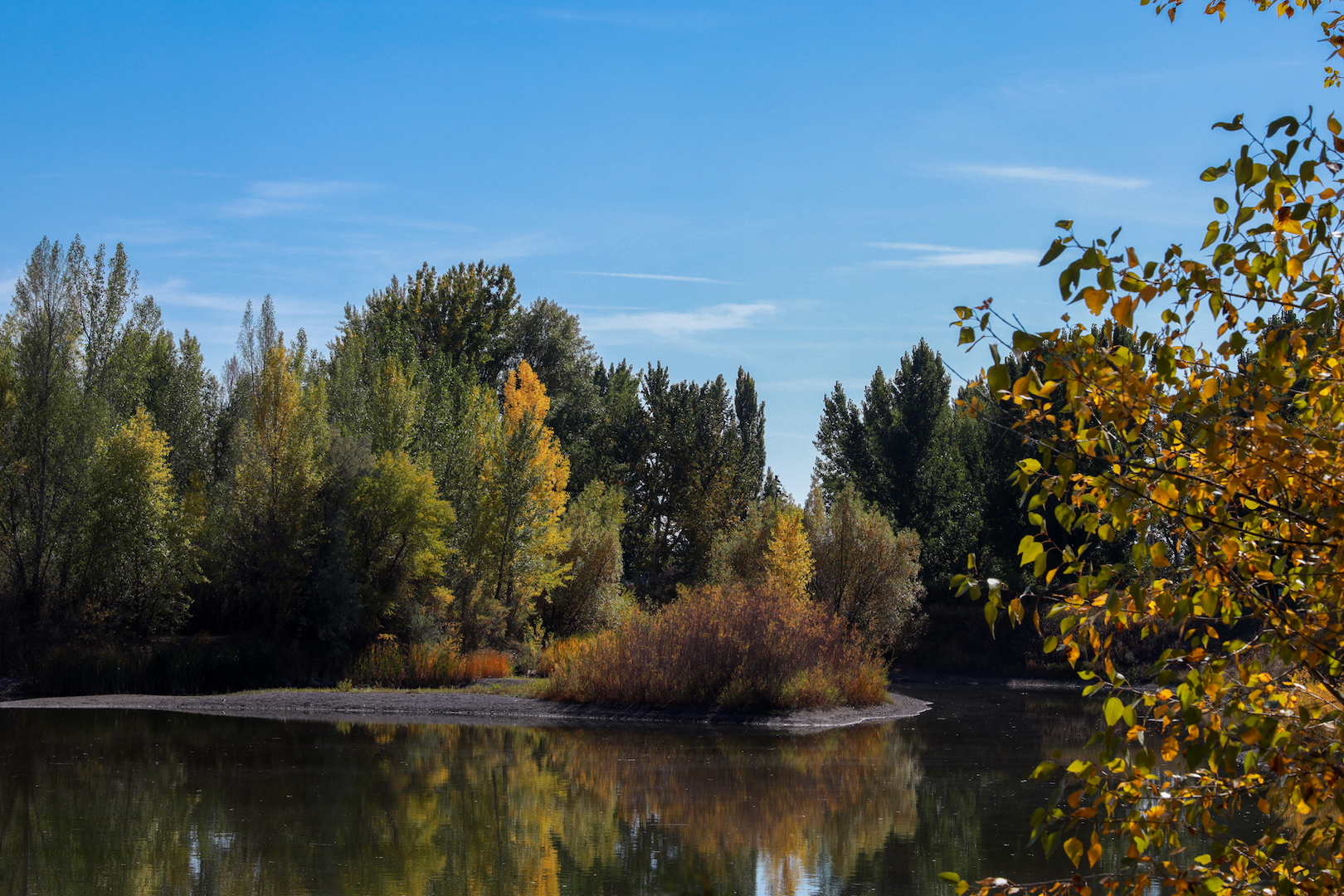
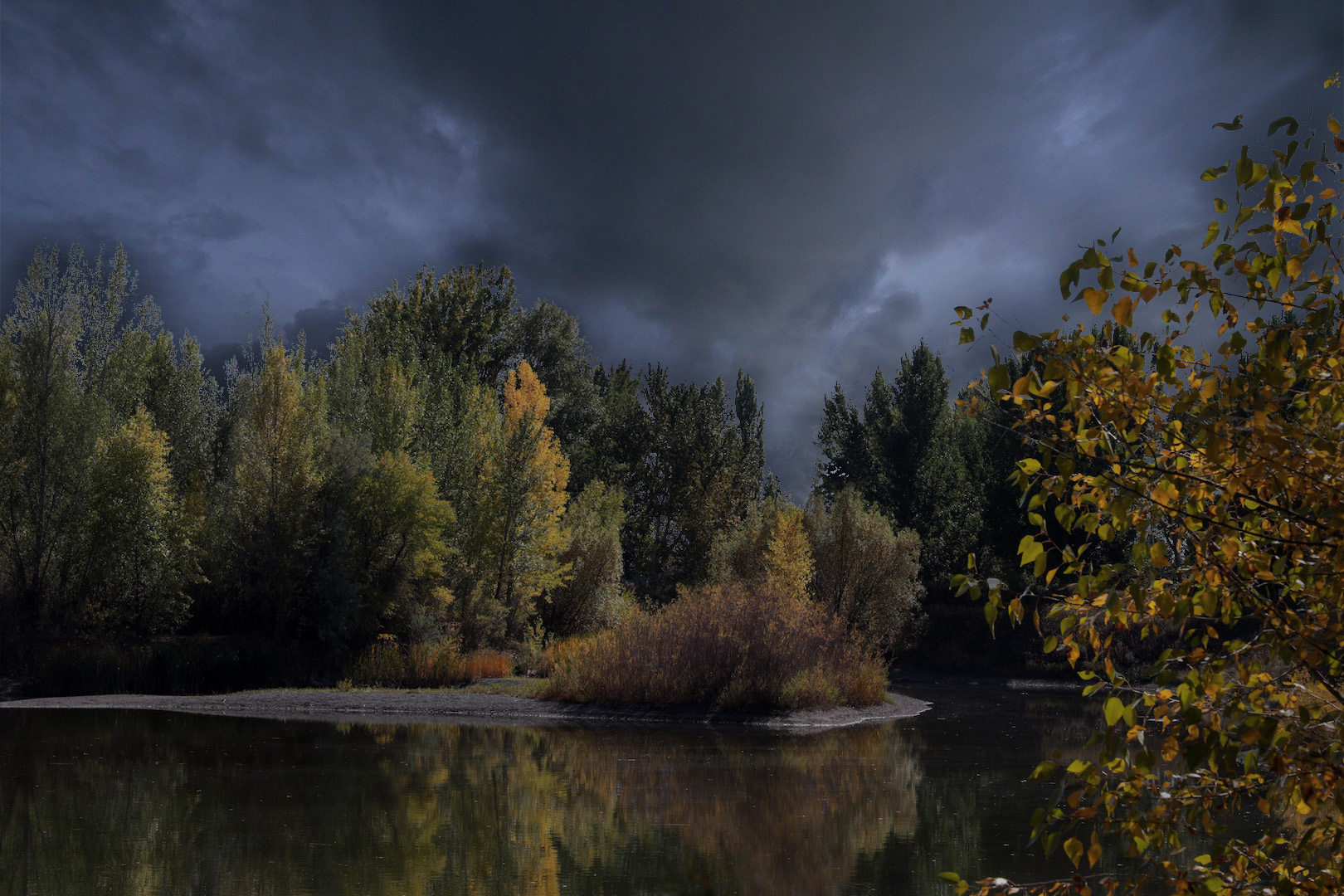
The subject (or constant) in these photos is the same body of water. To humanize the landscape, I photographed the bridge (photo 6) and my texture blend was where I completed a mask with dark clouds (photo 9). The biggest challenge for the added texture was to hide any light edges. I used the clone stamp in the water to remove any blue skies and desaturated the image. I was impressed with how well Photoshop could mask the tiny leaves on its own, but it was hard to make the image not look photoshopped. I think I did a good job as a beginner!

In fact, that is what this assignment taught me: to look a little closer. I crouched down and looked through bushes, bridges, and water reflections as if I was going to create an art piece. I realized that photography in itself is a form of art because it is a way to share a new perspective. I think this assignment taught me just how much I love landscape and wildlife photography. The perfectionist in me doesn’t love all of these pictures, but I think they are an important document of how my skills are progressing.

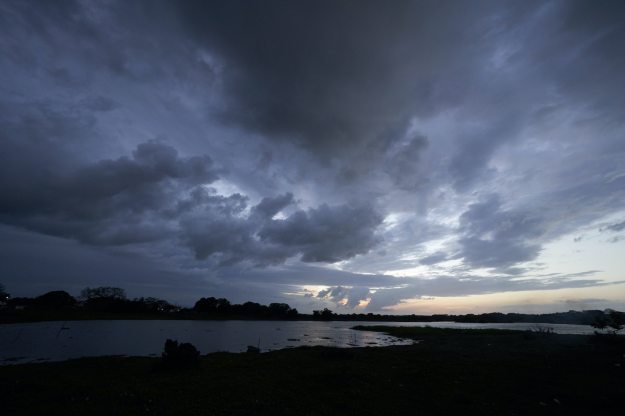
Above are the before and after of my photoshop processing, as well as the free image I used from Unsplash.com.

The Fallen Rose

I am extremely proud of this image! I found this collapsed rose in the gardens of the Smith Amphitheater on campus. The way it was dramatically placed by nature itself became my perfect shot.

I took some great editing advice from my professor who advised me to crop the image and create my focus on the sharpened part of the rose. I also liked the way I edited this picture and I think the post-production really made this image unique.

The Fallen Rose: 09/28/22, 3:45 pm at the Smith Amphitheater, ISO: 400, Aperture: f/5, Exposure: 1/100 seconds, Focal Length: 85 mm, Camera: Canon EOS R – Handheld, Aperture Priority