
This semester I have grown so much. At the beginning of this course, I didn’t even know what aperture or ISO was. After studying how a camera works and personally testing it out for myself, I have become really proud of my work.
For my 16×24 Fine Art print,
I chose two photos.
The first photo I chose was of a beautiful mustang named Maserati. He was part of the Bannack, Montana photo excursion I was able to go on. When editing this, I really wanted to accentuate the texture of his hair and his aging spots. Sister Esplin gave a personalized workshop for the Digital Imaging students and she helped me understand how to do this in Photoshop. After she helped me, I made some adjustments myself. I used a lot of masks and used adjustments such as sharpening, Camera Raw filters, gaussian blur, and levels.

Below is the original image.

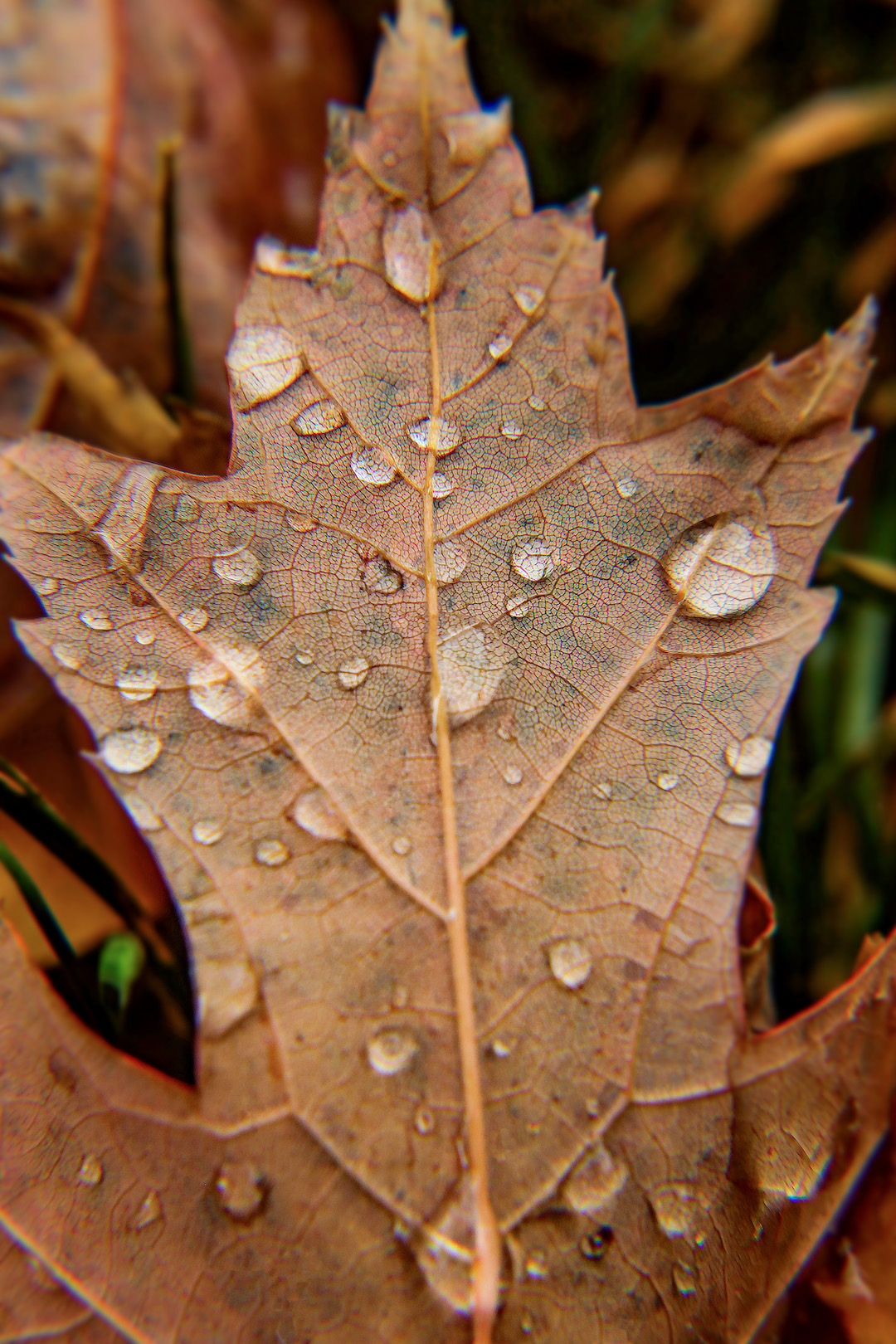
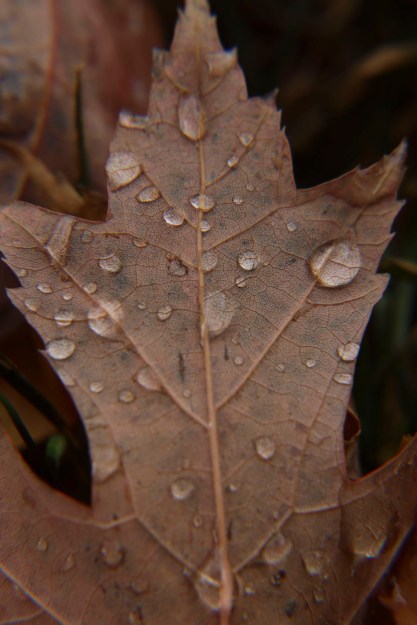
The next photo I chose to print was of my macro leaf shots. This was actually an in-class activity where props were brought into class for us to take photos of. The leaves outside were beautiful and I wasn’t impressed with how these macro shots were turning out. I decided to go outside ad try things from a new perspective. After Sister Esplin showed me some tips in Photoshop, I wanted to apply this for myself. So, for this photo, I used a Camera Raw filter, a sharpen mask, a gaussian blur mask, level adjustments, and the healing tool to cover up distracting holes in the leaf.
Below is the original image.
 Isabelle Justice